You can create the Company Setup Table by following the steps below in the HIPAA Claim Master.
| 1. | To configure the program options, select Setup  Create Company Setup Table in the main menu. Create Company Setup Table in the main menu.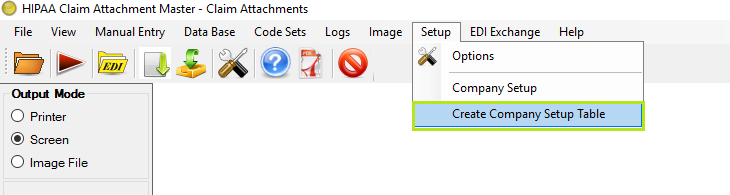 The "Create Company Setup Table" menu |
| 2. | The following screen will appear.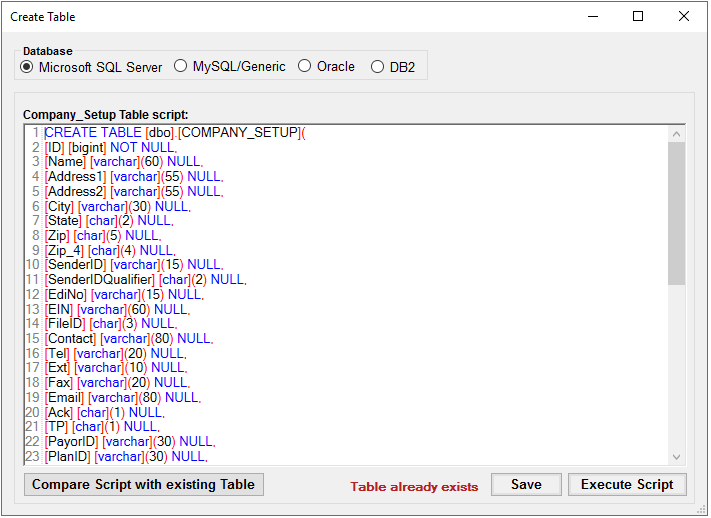 "Create Table" window Screen do provide 'Table already exists' message if its been created already. |
| 3. | This window allows you to edit, save and run the table scripts. |
| 4. | Define the following options: |
| • | Database |
| • | Microsoft SQL Server |
| • | MySQL/Genetic |
| • | Company Setup Table Script — SQL statements to create the Company table in your database. |
Tip: You can modify the scripts so that they run on your specific database.
| 5. | Once you have you modified the script, click "Save."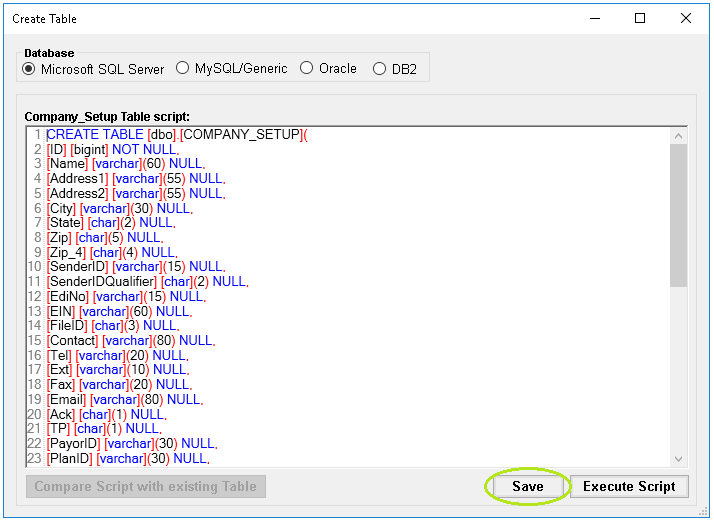 The "Save" button Save button do save the script within database and load the same script when the screen open next time. This action is just to store possible changes without executing it within database. |
| 6. | Click "Execute Script" to create the table in the database. |
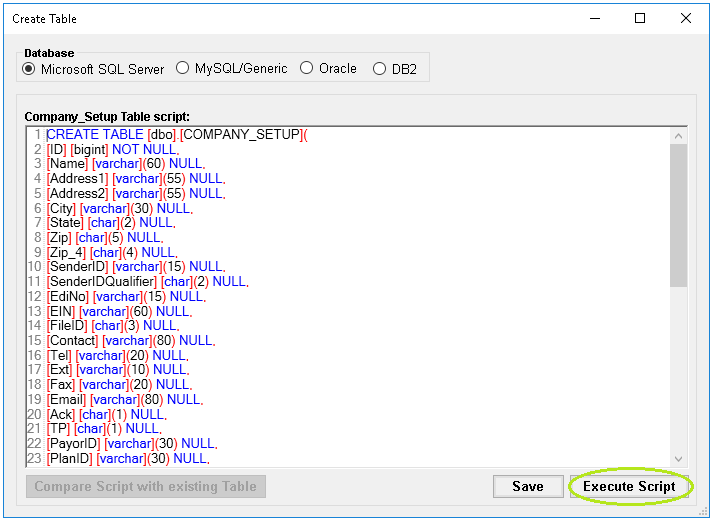
The "Execute Script" button
Execute Script button do execute the query within database and do create the company_setup table. If the table is already created then application first ask confirmation of existing data loss before recreating it
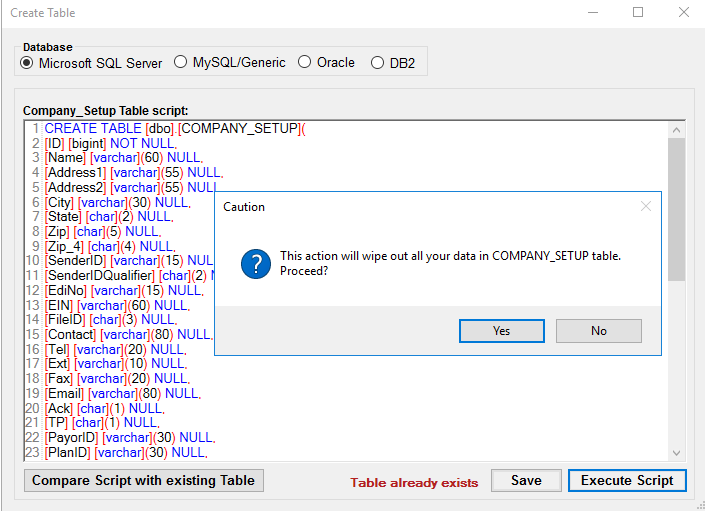
"Company Setup Screen - Execute Script Confirm"
Once the table has been created successfully, you will see the following notification:
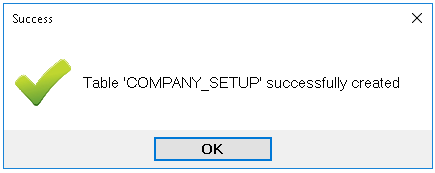
The success message
Warning: Executing the script will wipe out any previous table you have created. Remove the script files once you are satisfied so nobody can occasionally destroy the database table.
Make sure there are no any error messages for successful table creation.
7. Compare Script with Existing Table
Application do check the saved script with company setup database schema.
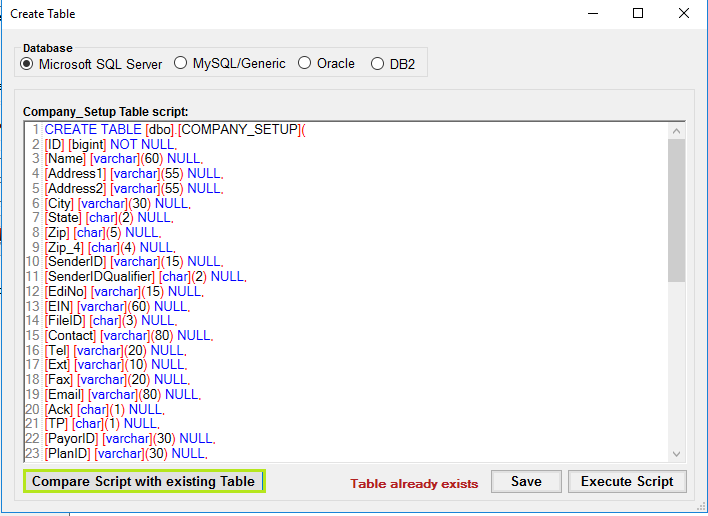
"Company setup table screen - Compare Script with existing Table"
If the saved script and database schema do not have any difference then application do provide no difference notification.
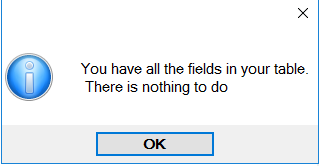
"Company setup table screen - no difference message"
If saved script and database schema do have difference then application do provide window containing difference script detail in window.
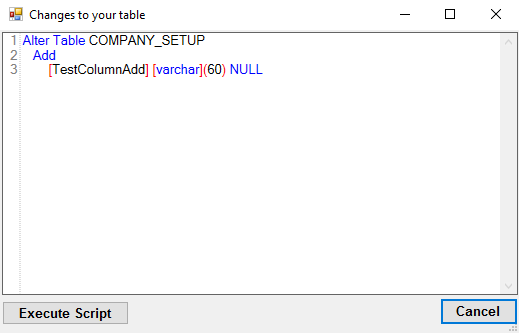
"Company Setup Screen- difference screen"
Execute Script button in above window execute delta containing difference within database. Adopt this option to alter the table for fields if table already created.