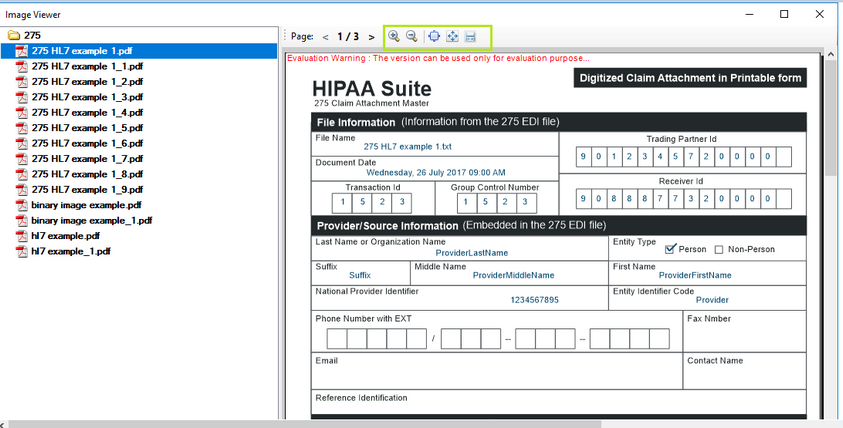
HIPAA Claim Attachment Checker's Image Viewer allows you to view images stored in the output folder, defined in the image options. See Adjusting Image.
Follow the instructions below to view images.
1. To access Image Viewer, select the "Image Viewer" option under "Image" menu item.
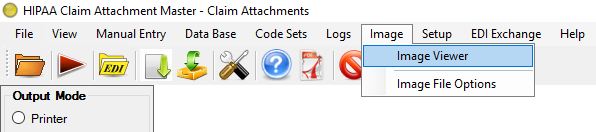
The "Image Viewer" menu
2. The "Image Viewer" window will open.
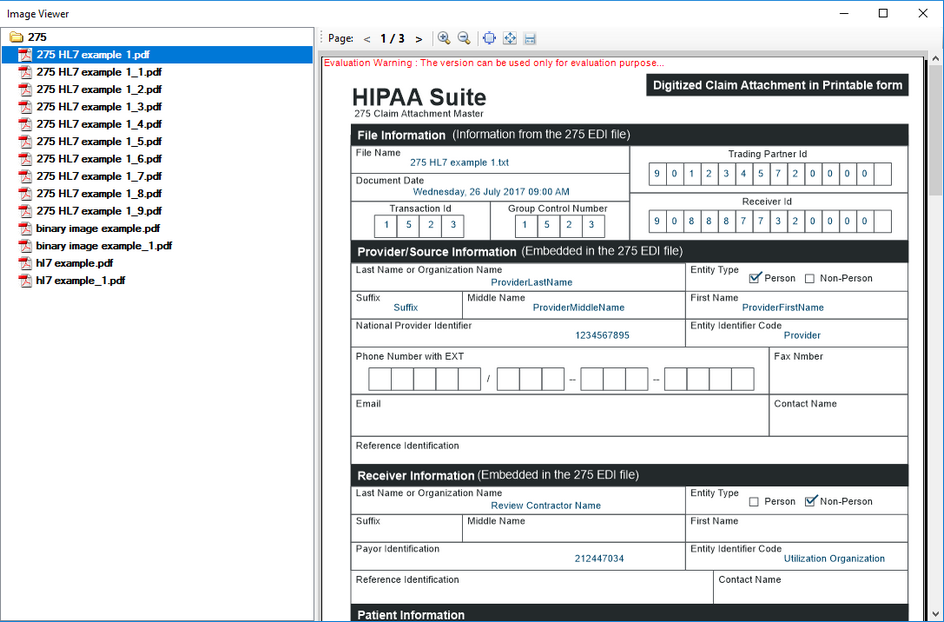
"Image Viewer Screen - with default file selected"
3. Select the necessary image in the left navigation pane.
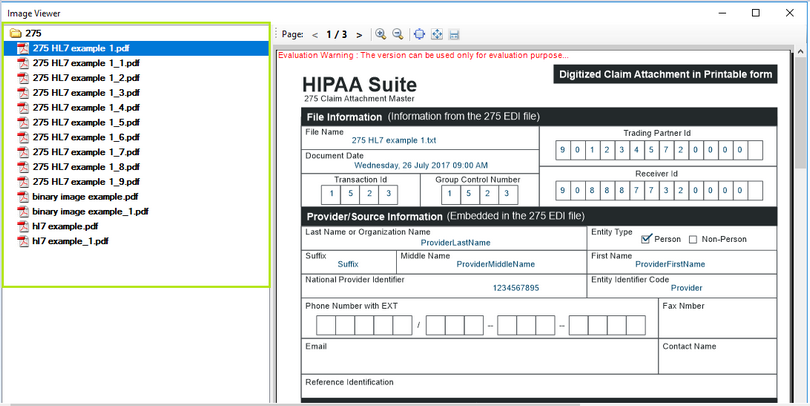
"Image Viewer Screen - Left Navigation with PDF Files"
4. For page navigation on forms with multiple pages, use the arrow buttons.
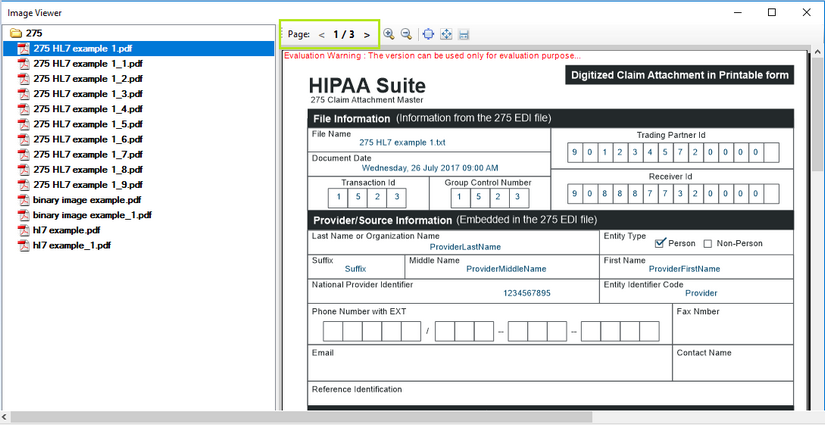
5. To scale the image, use "+" or "-" zoom image buttons. Image viewer also do contains option for to view image with 'Actual Size','Fit Page' and 'Fit Width' option.