The HIPAA Claim Attachment Master can access the exported data and show it to the user. This might be helpful in tracking particular claims.
Select the Data Base  Acks in Database in the main menu.
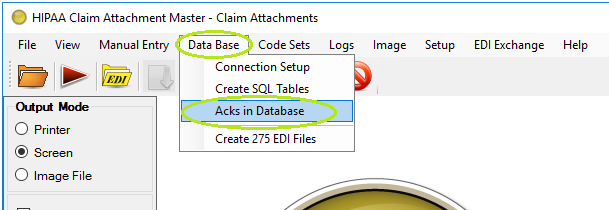
The "Acks in Database" menu
You will see the following screen where you can see all the Claim Attachment and review them. In addition, you can query the database for any of the displayed fields. For example, if you want to check if all the Claim Attachment from a specific file were imported, you could type the filename into the appropriate field and click the "Query" button. The results will be returned.
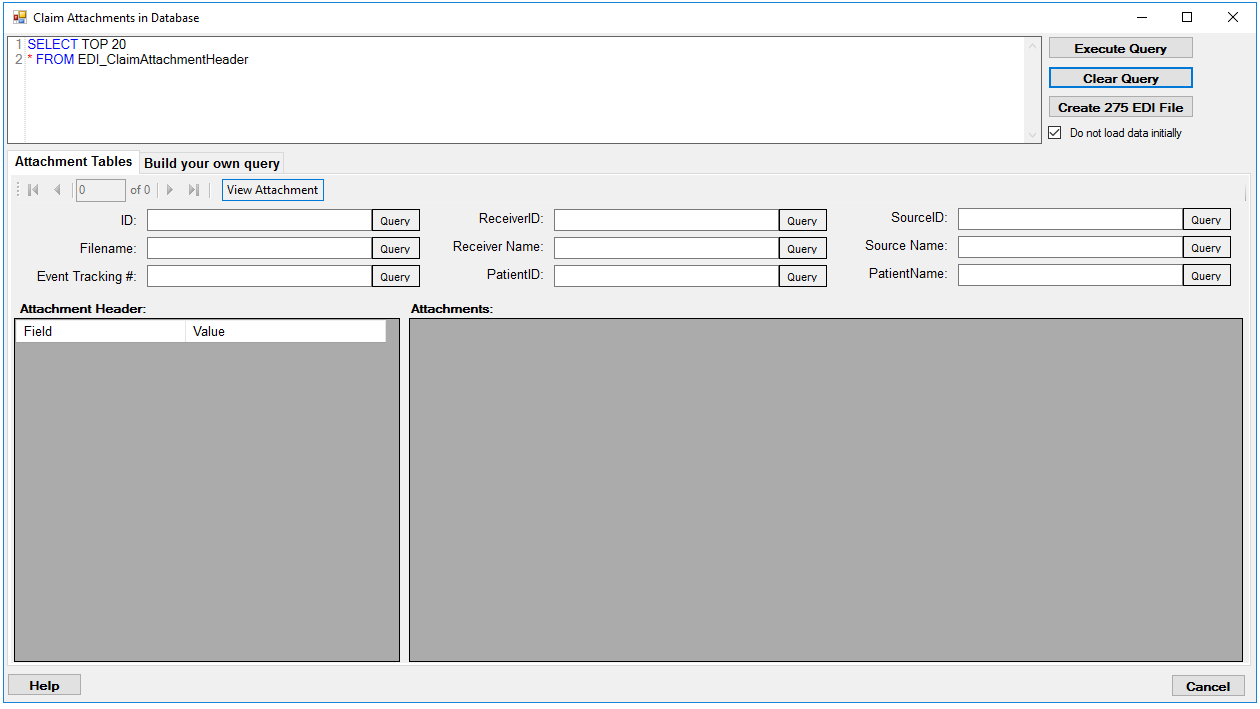
Claims Attachment Window
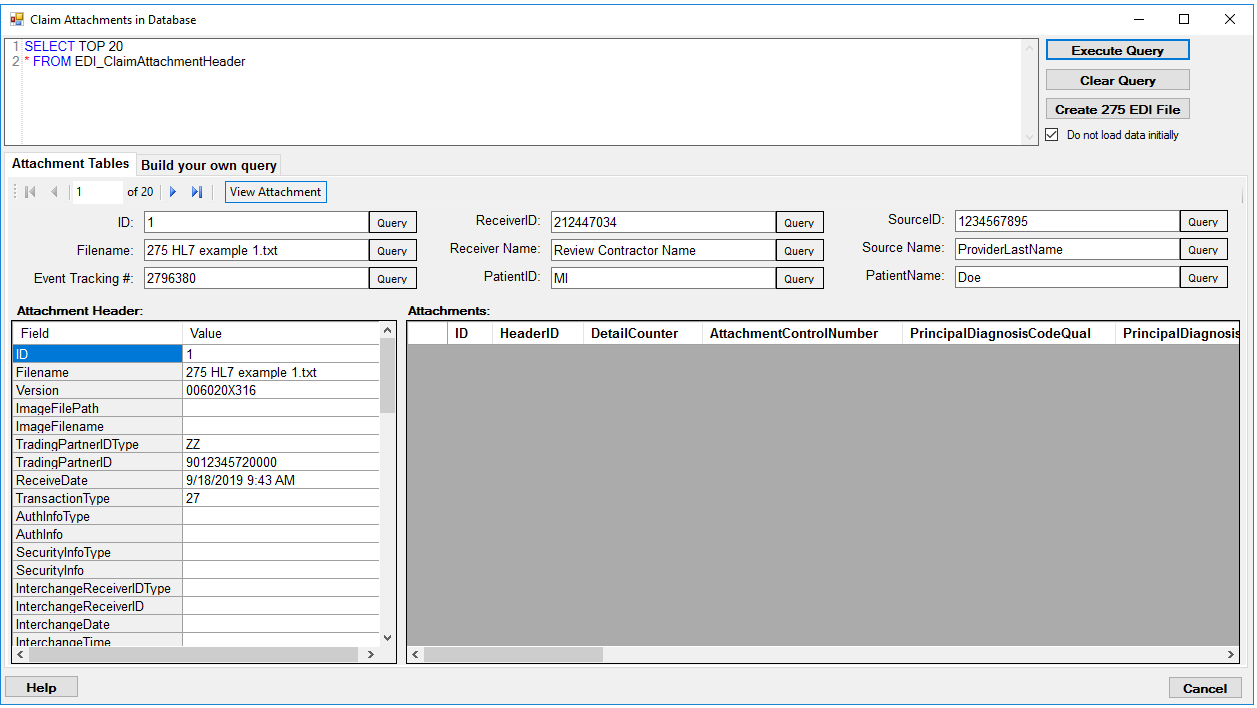
Accessing the claims attachment in the database
Editing Data
You can edit the data in the tables by typing in a cell. A dialog will ask you whether you want to save the changes.

Editing the field value
Viewing Claims Attachment
Click on the "View Claim" button to render the claim.
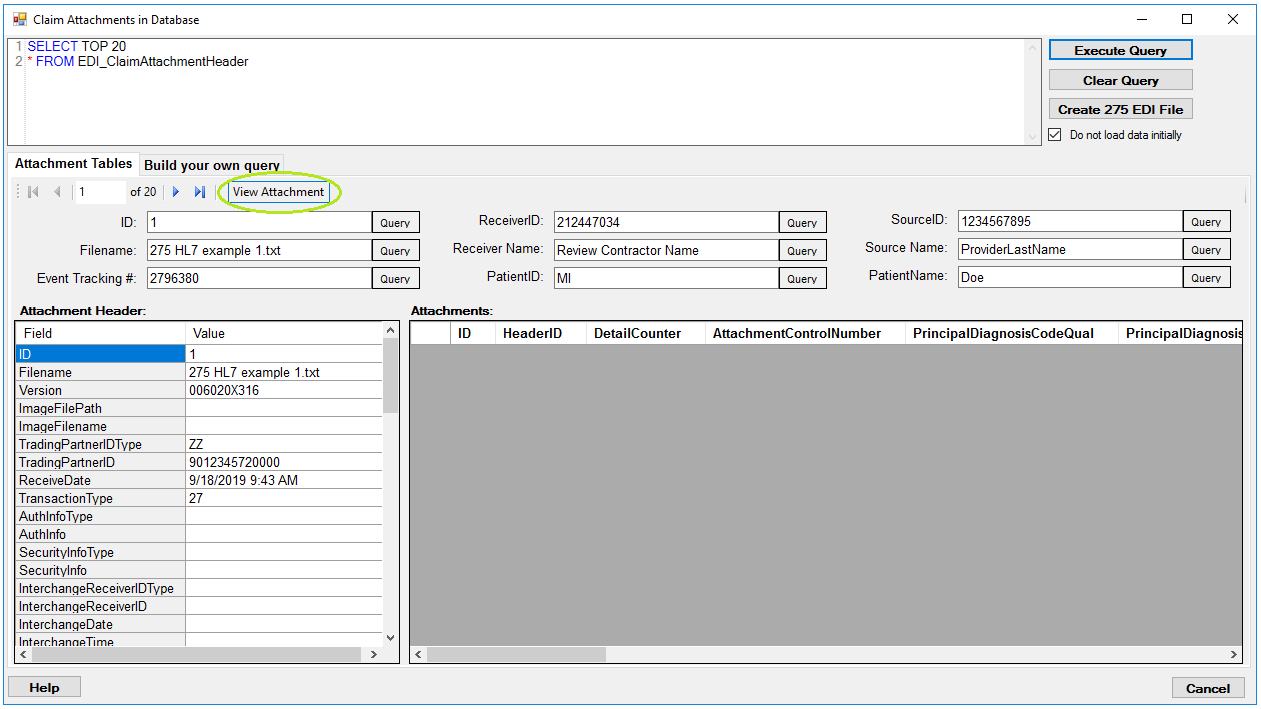
The following preview window will open.
Note: To preview the claims, you must have a printer installed on your PC.

A claim image created from a database record