After opening a file and leaving the default output mode "Screen", click on the "Run" button.
The form type is indicated in the left pane, under "Claim Type."
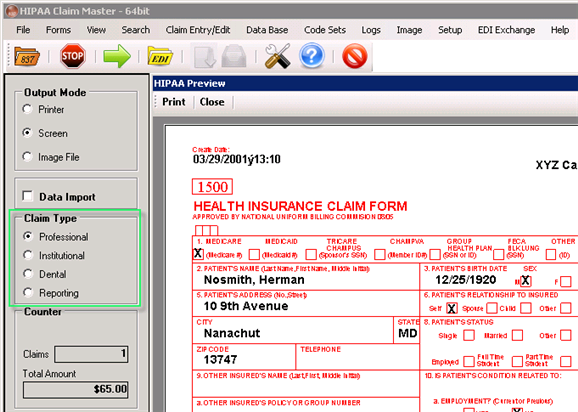
The Claim Type menu
Depending on the claim type (Institutional, Professional or Dental), a preview form will come up to display the claim in the standard UB92, HCFA-1500 or ADA2000 format.
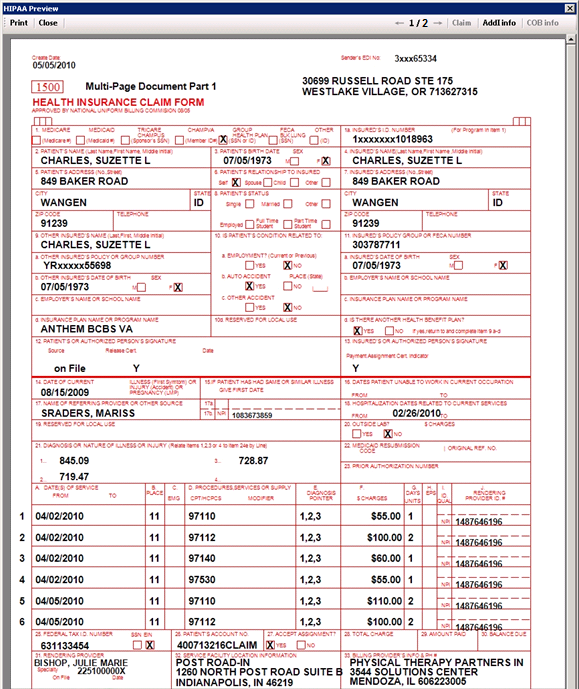
A professional claim form CMS-1500, the first page of two
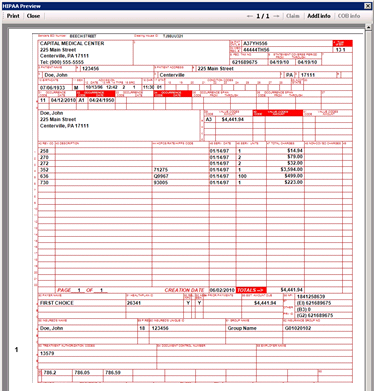
A institutional claim form UB04
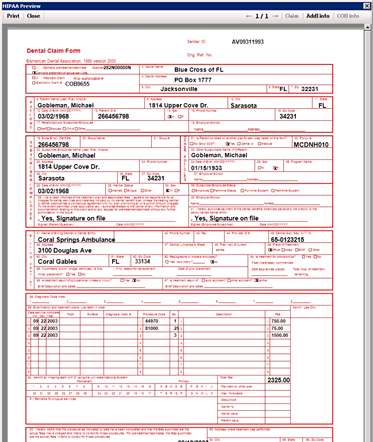
A dental claim form ADA2000
On the top of the preview form, there are three buttons:
| • | Print — Directs the individual claim to the printer. |
| • | Next — Switches to the next claim. |
| • | Exit — If you click on "Exit," you will be presented with the following dialog: |
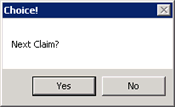
Choice between going to the next claim and stopping processing
You can go back to the preview form by clicking "Yes." Otherwise, click "No" to cancel the parsing. When you click "Cancel," the parsing engine is still moving through the EDI file until the end of the file is reached. Depending on the size of the file, this will take from few seconds to more than a minute. When the end of the file (EOF) has been reached, another dialog appears:
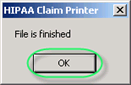
The end of file (EOF) message