The HIPAA Claim Master relies on ODBC; or in the case of Microsoft SQL server on OleDB to connect to a database.
Tip: If you use ODBC for the connection, you will need to set up the ODBC connection before using HIPAA Claim Master with the database. Typically, ODBC connections are established in the Windows  Control Panel Administrative Tools Data Sources (ODBC) setup screen. Setting up the ODBC connection varies from database to database.
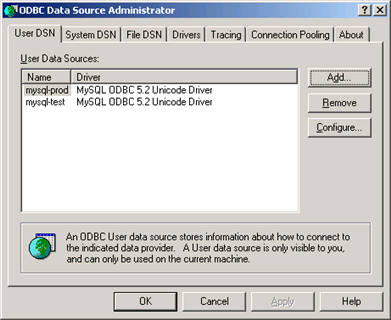
The "ODBC Data Source Administrator" screen in Windows
Select Data Base Connection and Fields in the main menu.
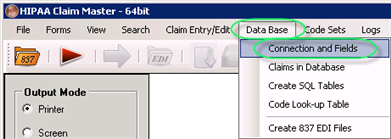
The "Connection and Fields" menu
2. You will be confronted with the following screen where you can set up the database connection and enter the names of the database tables.
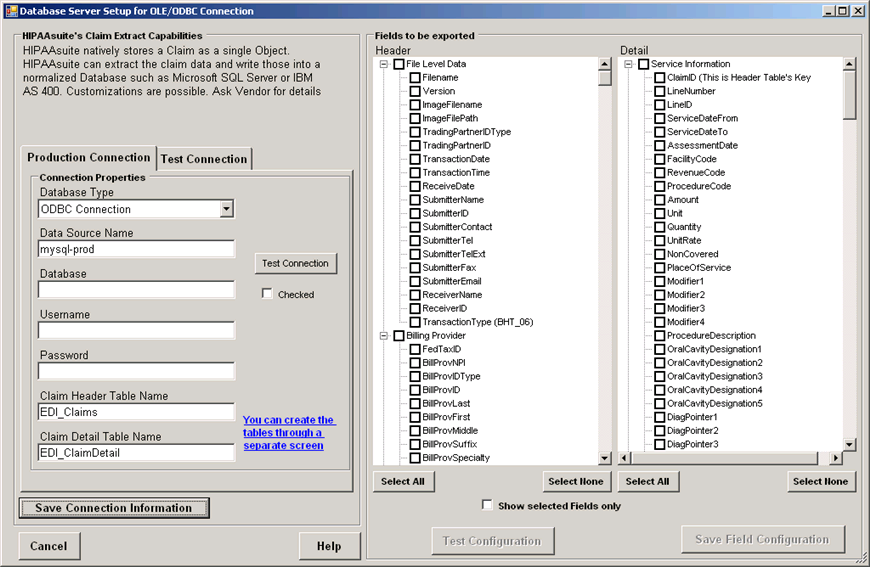
The "Database Server Setup for OLE/ODBC Connection
On the left side of the screen, define the database connection properties.
There are two tabs:
| • | Production Connection |
| • | Test Connection |
Each tab has the following fields:
| • | Database Type - Select the type of the database from the drop-down menu: is either ODBC or Microsoft SQL Server either with Windows Authentication or with explicit credentials. Note: If you need other types, please contact us for customizations. |
| • | MS SQL Server |
| • | MS SQL Server Integrated Security |
| • | ODBC Connection |
| • | ODBC Connection for Oracle |
| • | Database Server Name — Specify the database server name or DSN. In case of SQL Server, it is the IP address or the name of the database server; for ODBC it is the Data Source Name (DSN) that is defined through the ODBC setup in the Control Panel of Windows. |
| • | Database - Enter the database name under the above connection. Typically, this field will be empty for ODBC setup. |
| • | Username - Specify the user name that has privileges to the database. Typically, this field will be empty for ODBC setup. |
| • | Password - Specify user's password. Typically, this field will be empty for ODBC setup. |
| • | Claim Header Table Name - Enter the name that you give to your Claim header table. The default name is suggested but can be changed. |
| • | Claim Detail Table Name - Enter the name of the table that contains the line information. A default name is suggested but can be changed. |
We will configure the Test Connection and show the process on the screen-shots.
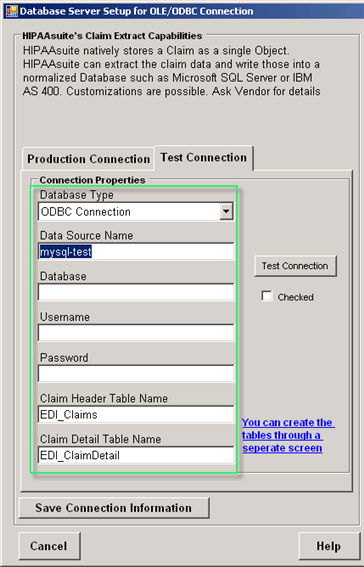
The connection properties fields
To create tables in your database, click on the "You can create the tables through a separate screen" link. For instructions, refer to Creating Tables.
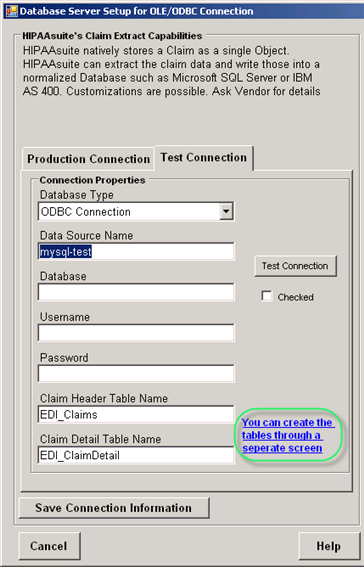
A link to create tables
Once the connection parameters have been entered, click "Save Connection Information."
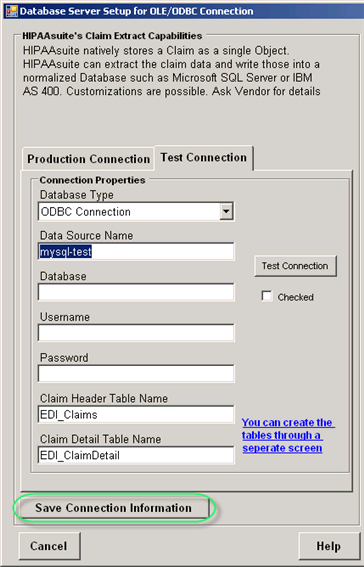
The "Save Connection Information" button
To verify if the entered parameters are correct, click on the "Test Connection" button. You cannot export claims before this connection tests successfully.
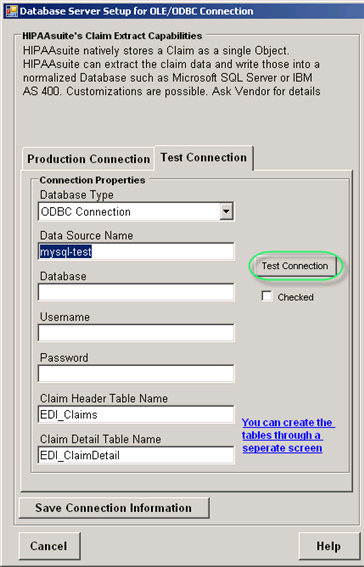
If the test has passed successfully, you will see the following notification:
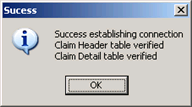
The success message
Once the test has passed successfully, the "Chеcked" box becomes enabled.
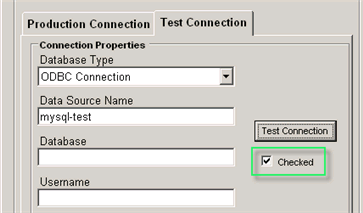
The "Checked" checkbox
Once you have the database connection defined and tested, you can enter the table names. See Selecting Fields to Export.
If you need to create the tables first, then see Creating Tables.