Once all the status information has been added or if you decide to return default status information you can create the response file.
You will see that status information is present in the last column of the request grid.
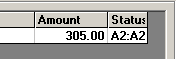
The last column of the request grid contains now a value
If you click the 'Create Response File' button you will get a message that the file was created. The filename of the response is the name of the incoming 276 request file with a ".277" file extension. You have the choice to view it if you have the The EDI Editor installed.
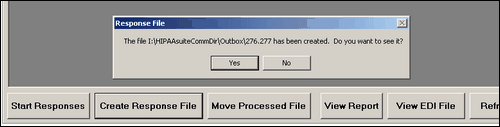
The message that the response file has been created.
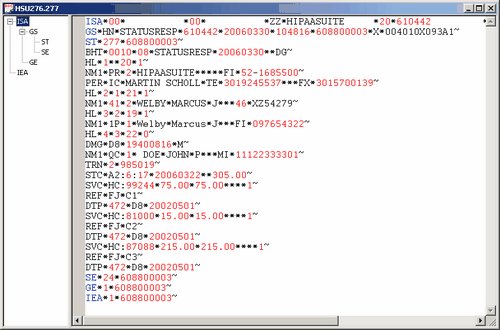
The 277 response file
You might want to move the request file to the processed file folder, to make sure it does not appear again. Just click the 'Move Processed File' button and the file will be moved to the directory that you specified in the Setup screen.