The software is packaged in a Zip file with a Microsoft Windows Install Script (msi) file and an file called Setup.exe.
Make sure to install the program by using the Setup.exe program. This makes sure that all necessary Windows components will be checked and installed if needed.
All the necessary files are contained in the package and the Microsoft Installation engine will sort out merge modules and dependencies of system files and other dll's.
When you execute the installation script file "HIPAAClaimStatusResponder.exe" you will be confronted with the following screen:
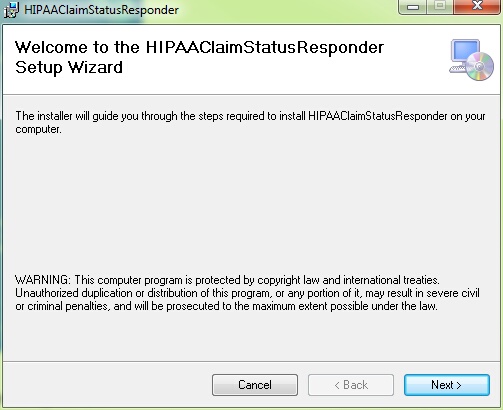
the welcome screen of the Installation wizard
In order to proceed you have to agree to the software license agreement
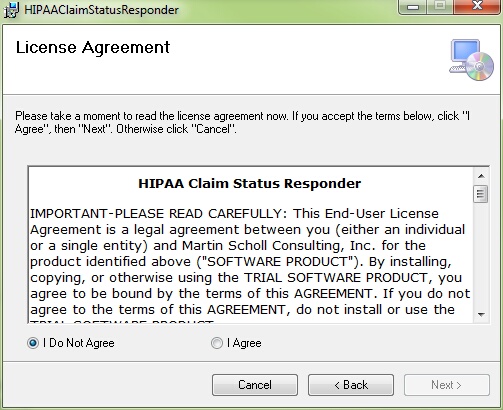
The software license agreement
After that you have the choice of where to install the program.
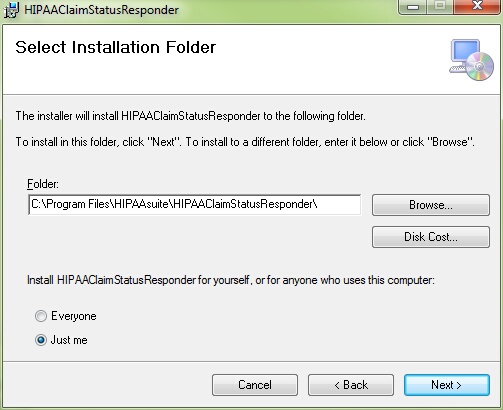
Choosing the install directory
Install Option
Start Menu
Desktop
Quick launch bar
The installation will be proceeding then. After that the program installs and after successful installation you will see the final screen
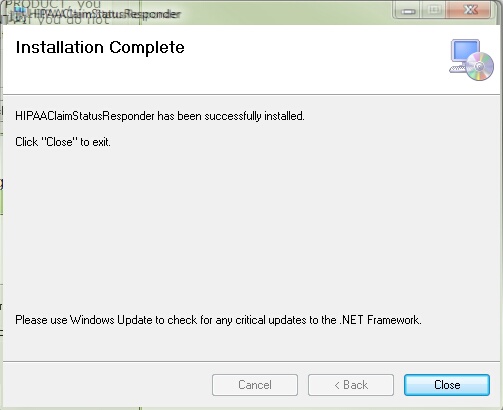
The final installation screen