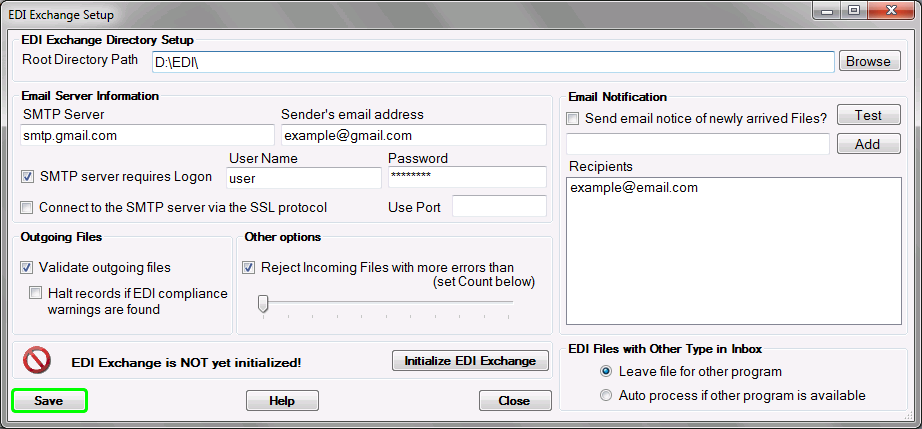
To check if your files are HIPAA-compliant, EDI Exchange can run a compliance check on outgoing EDI files. For incoming files, you can specify an acceptable error level. These settings are especially important with new trading partner relationships or with new processes since it always takes a while until an EDI process runs without issues and problems.
Follow the instructions below.
| 1. | Select "EDI Exchange Setup" under the "EDI Exchange" menu item.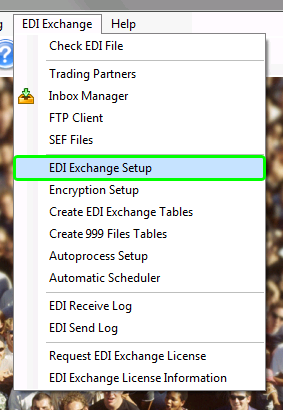 The "EDI Exchange Setup" menu item |
| 2. | The following window will appear.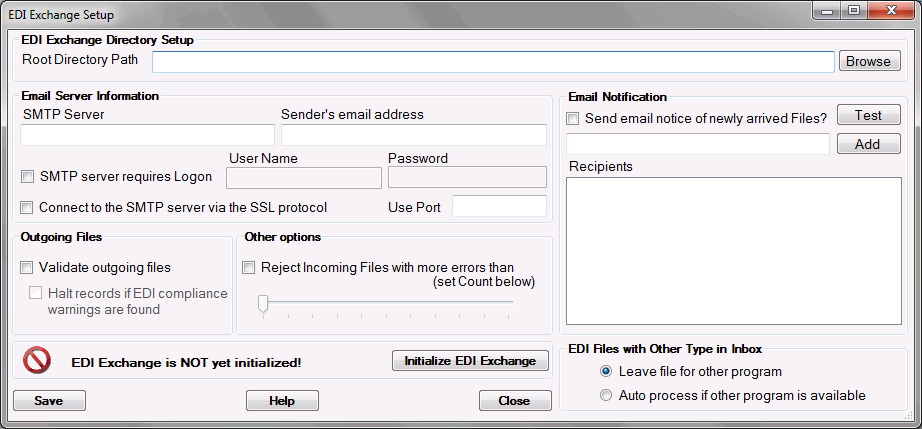 The "EDI Exchange Setup" window |
3. Specify the following outgoing files options:
Outgoing Files
| • | Validate outgoing files — Select this checkbox to validate if the outgoing files are HIPAA-compliant. |
| • | Halt records if EDI compliance warnings are found — Select this checkbox to suppress the sending of files with warnings or errors. |
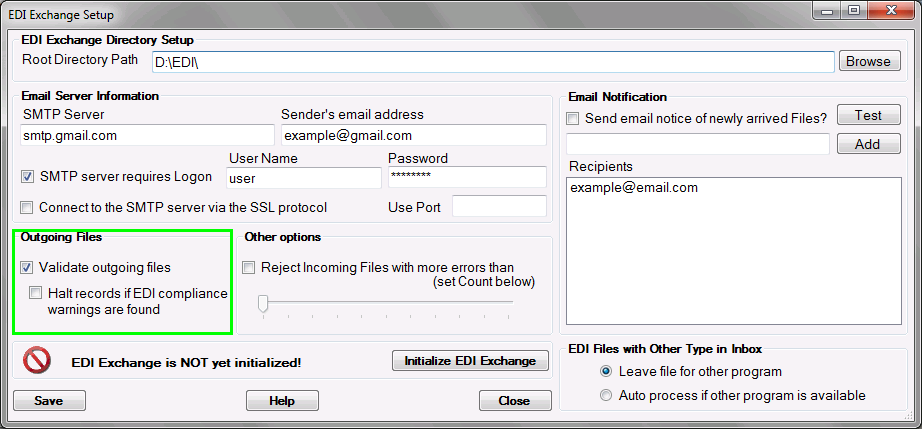
Validating outgoing files
4. Specify the following incoming files options:
Other Options
| • | Reject incoming files with more errors than (set count below) — If checked, the incoming files with more errors than defined will not be placed into the "Inbox" folder. |
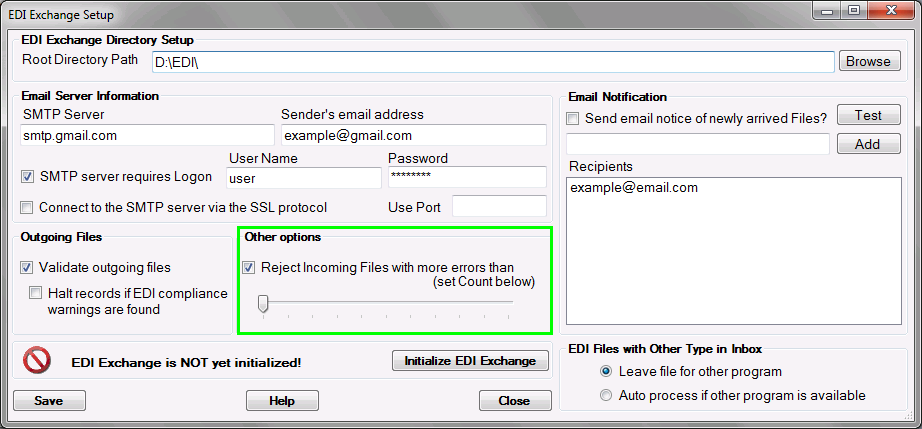
The "Reject incoming files with more errors than" option
5. Click on "Save."