The HIPAA Eligibility Checker can be downloaded from HIPAAsuite's website here
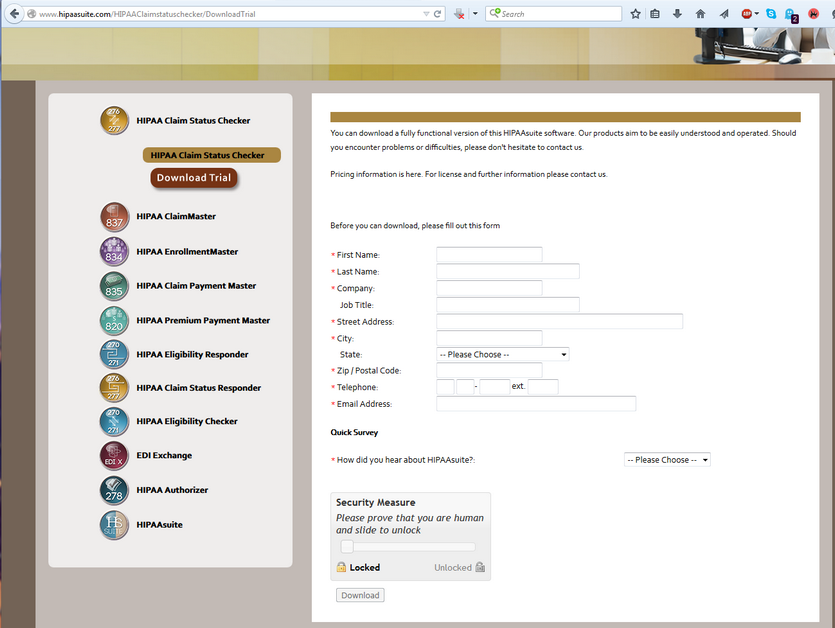
The questionnaire leading to the download
You will have to fill out a form and once you submit this, you have the choice between the 32bit or the 64 bit version of the software
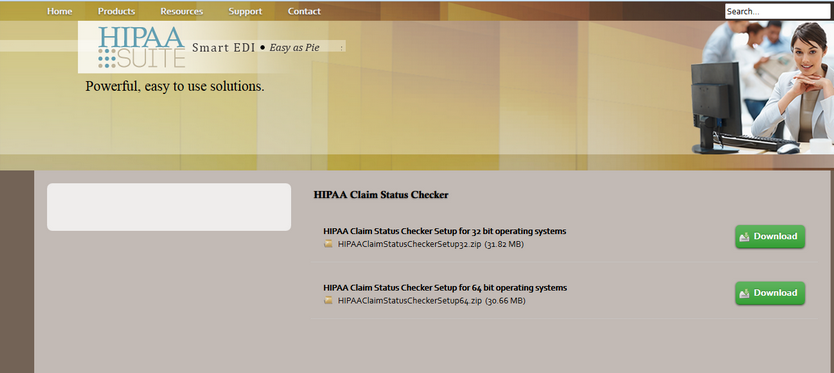
The download page showing the 2 versions of the installer
Download the 64 bit version only if you have a 64 bit version of the Windows operating system.
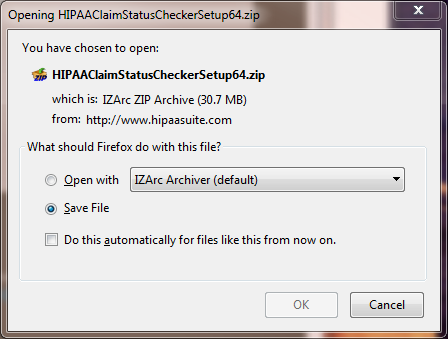
The downloaded zip file
Once the download has completed you can install the software by unzipping the file and running the Setup.exe program.
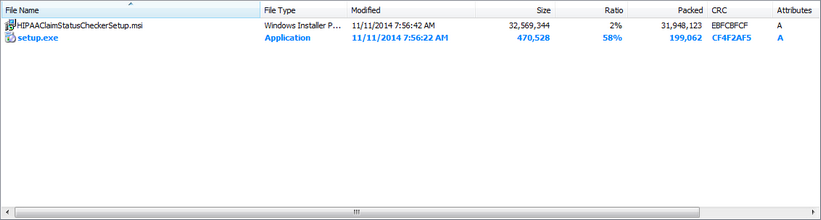
The content of the zip file
The Setup program ensures that all the Microsoft Windows components needed for the program are installed on the computer. Running just the Microsoft Installer (.msi file) might leave out critical dependencies.