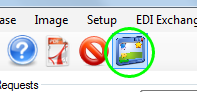
The workplace grid is the area where requests and their responses are managed. We reach it from the tool strip menu by clicking the workplace icon
The workplace icon
Clicking the workplace icon opens the workplace
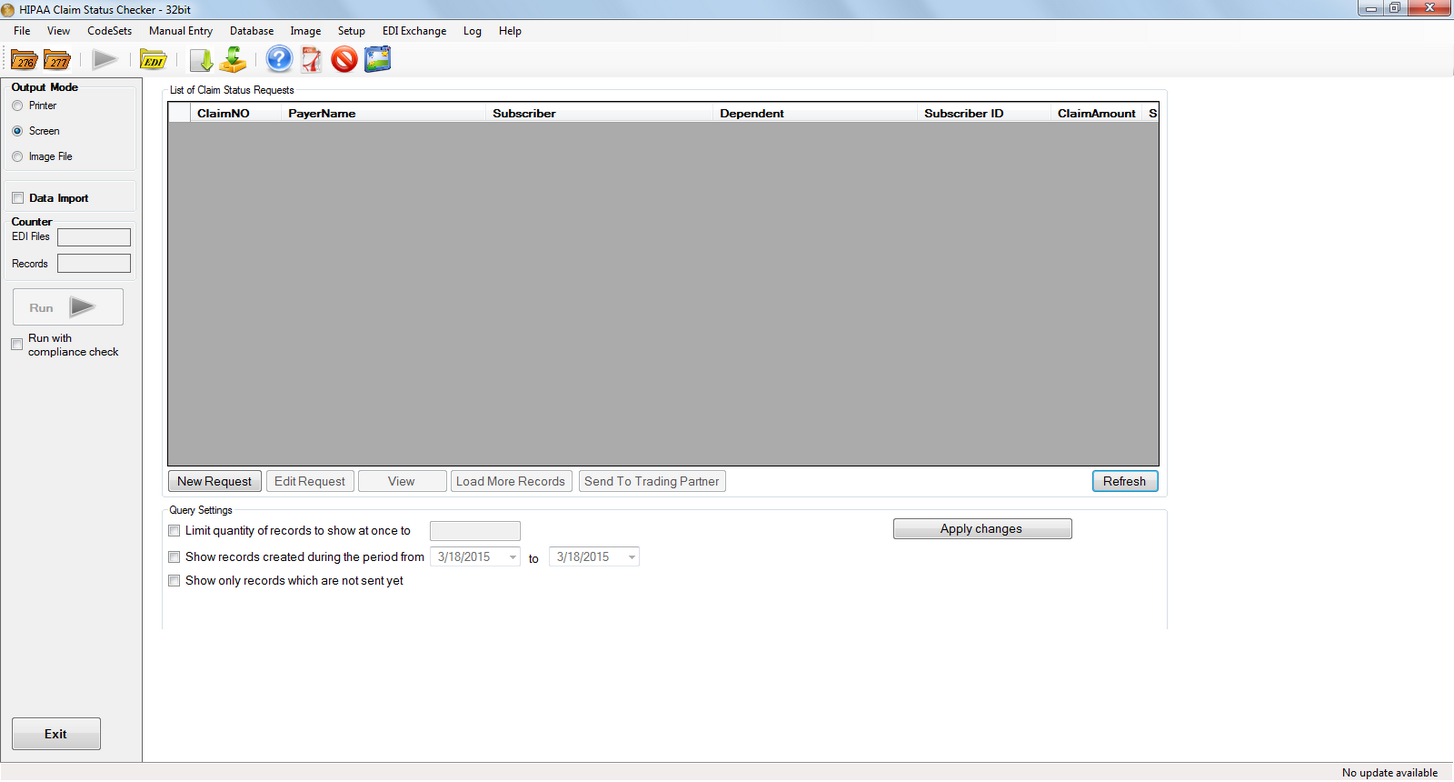
The workplace grid
When populated with a few requests, the workplace looks like this:
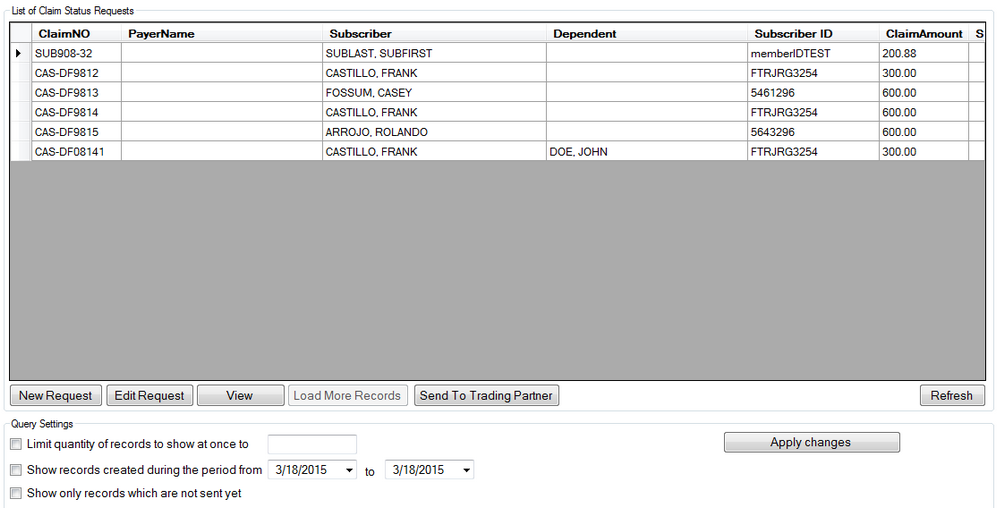
Each Claim Status request is presented as a single row. Columns identifying the Payor, Subscriber, Subscriber ID, and Subscriber's Dependent (if any) describe the Claim Status request each row represents. The column to the far right, the Status column, identifies the current state of the Claim Status request; that is, whether it has been sent, properly received and responed to, etc. The different statuses are described below. You can also verify what a status icon means by hovering the mouse pointer over it. A tooltip describing the request status will appear.

The request status tooltip clarifies what each status icon means.
Workplace Eligibility Request Status Icons
 Record has errors - Eligibility request has failed compliance check.
 Record is ready to be sent - Eligibility request has passed compliance check and is ready to be sent.
 Record was not sent - Eligibility request was not sent, sent incorrectly, or the receiving service did not acknowledge the request.
 Record was sent successfully - Eligibility request was correctly sent and a receipt confirmation was received. Not applicable to requests sent in RealTime mode.
 999 received - Eligibility request was answered with a 999.
 Record rejected - Eligibility request has been rejected by receiving service.
 Response received - Eligibility request has been answered. Response is ready.