|
<< Click to Display Table of Contents >> Starting the Application |
  
|
|
<< Click to Display Table of Contents >> Starting the Application |
|
Once the EDI Editor is installed, you can launch it from the "Start" menu:
Start  Programs (All Programs) HIPAASuite HIPAA EDI Editor.
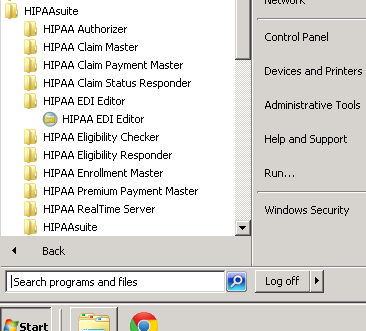
The HIPAA Claim Master is launched from the "Start" menu
The following screen will appear:
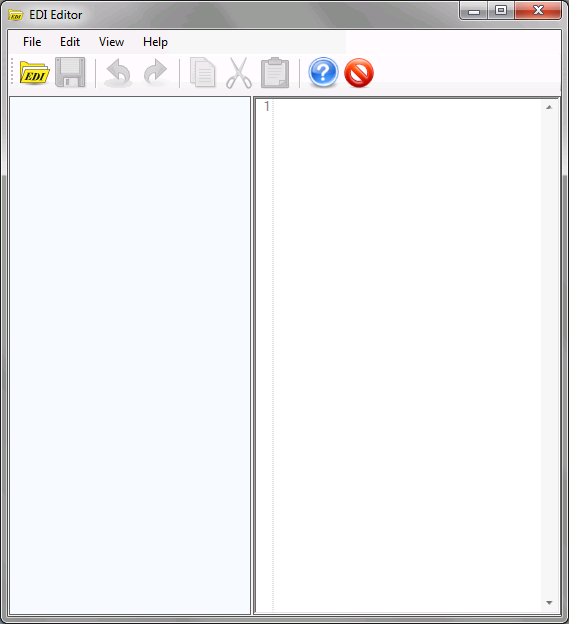
The HIPAA Claim Master main window
Once the main program window is opened, the normal operation now would be to open an EDI file for viewing or editing.