To adjust a claim at the line level click the Go! button under the rightmost column labeled Adjust for the claim line you wish to adjust.
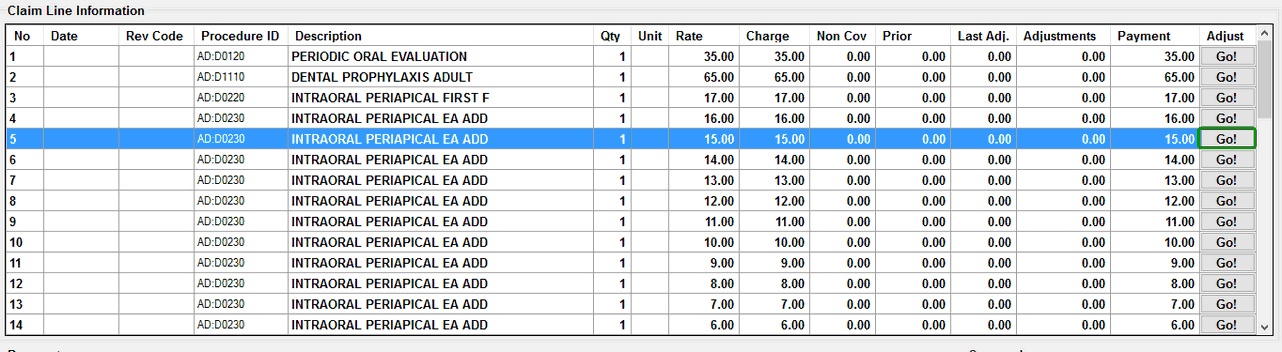
Claim lines in the main adjudication window. The line adjustment button on one of the rows is highlighted.
Clicking a line's adjustment button will open the line level adjudication screen. Any changes performed in the line adjudication window will affect only the line currently being adjusted.
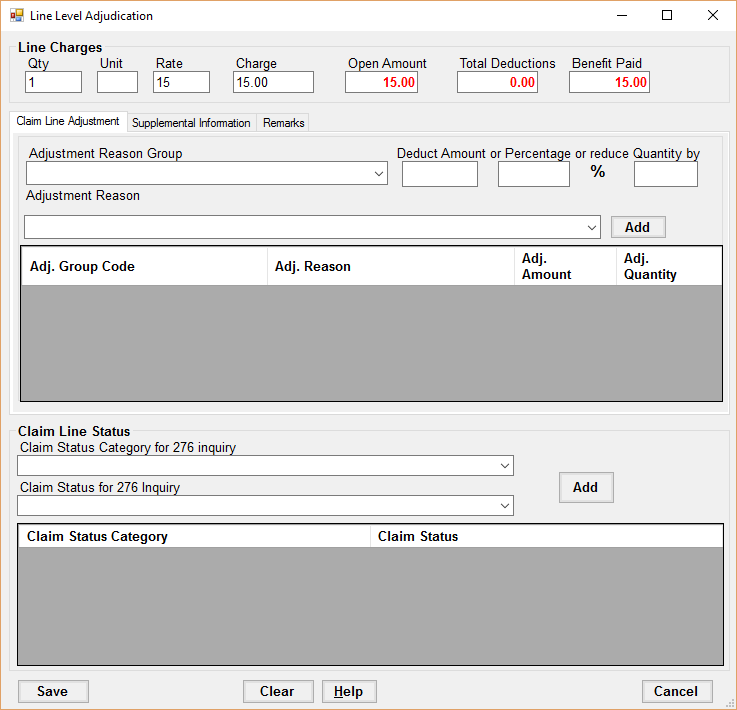
Line Adjudication screen.
Line Level Adjustments
To add a line level adjustment, first fill in the Adjustment Reason Group, Adjustment Reason and enter either a deduction amount, percentage or quantity. Finally, click Add. The adjustment will be added to the line adjustment table and the total amounts will reflect the change.
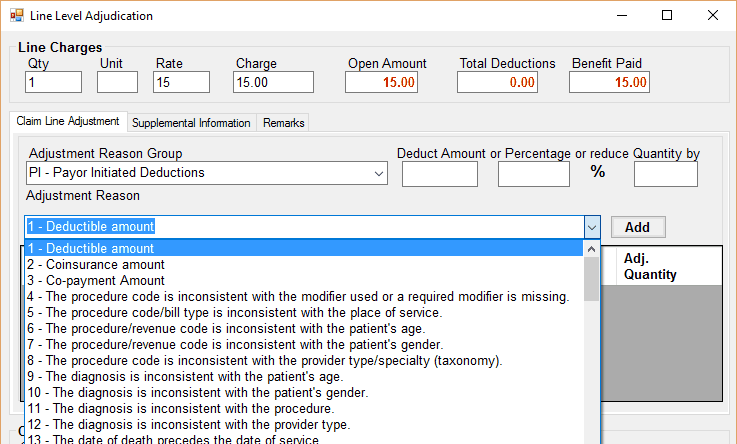
Selecting an Adjustment Reason.
To remove an adjustment, select the adjustment in the adjustments table and hit the Delete key.
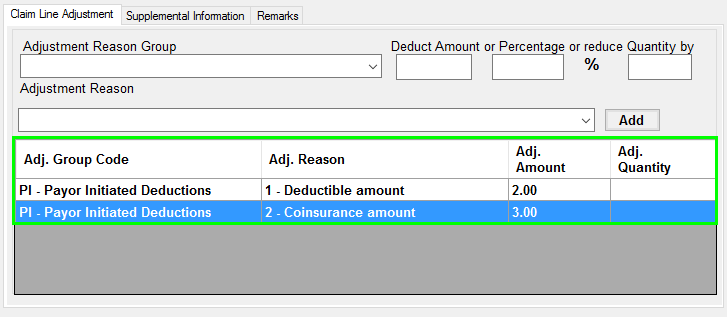
Adjustment Reason table.
Line Level Statuses
To add a line level status, first select the Claim Status Category and Claim Status desired, then click the Add button.
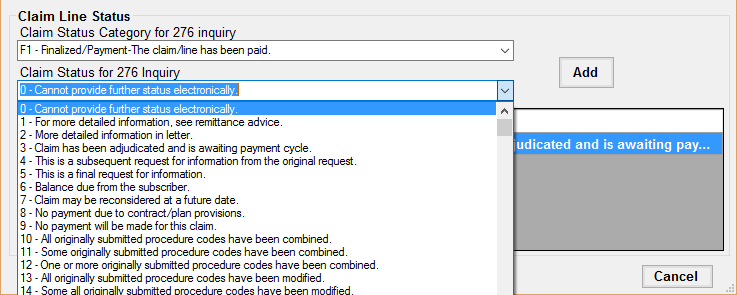
Adding a claim line status.
To delete a claim line status, select the claim line status in the claim status table and hit the Delete key.
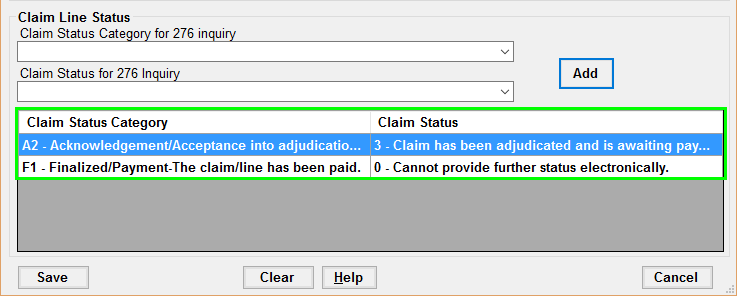
The Claim Line Status table.
Line Level Supplemental Amounts and Supplemental Quantities
The second tab in the Line Level Adjudication screen contains tables for adding or removing supplemental information.
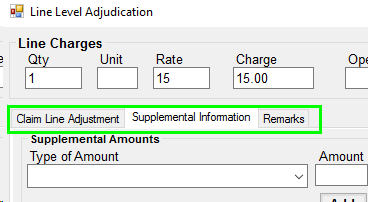
Tab selector in Line Level Adjudication window.
To add a supplemental quantity or supplemental amount, first fill in the type of amount or type of quantity, then fill in the amount or quantity, and click the Add button.
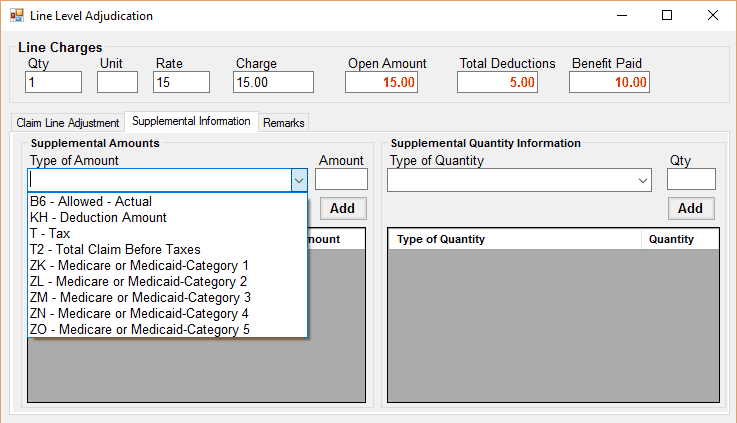
Adding a Supplemental Quantity.
To remove a supplemental amount or quantity, select the row in the appropriate table, then hit the Delete key.
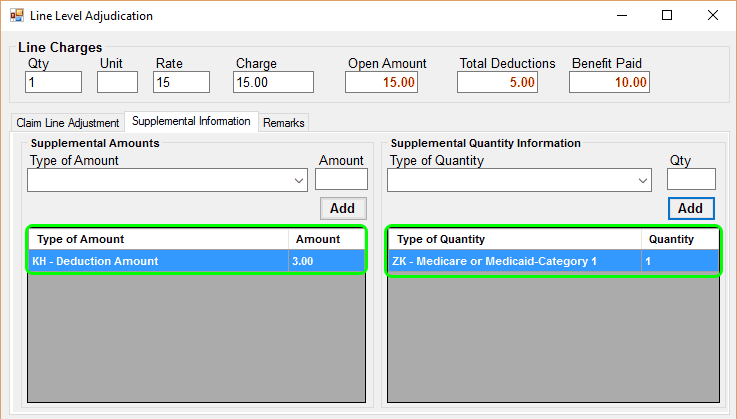
Supplemental Information tables.
Line Level Remarks
To add a remark code to a claim line, select the Remarks tab in the Line Level Adjudication screen. Then, click the drop down box to view the remarks and select one. Finally, click Add.
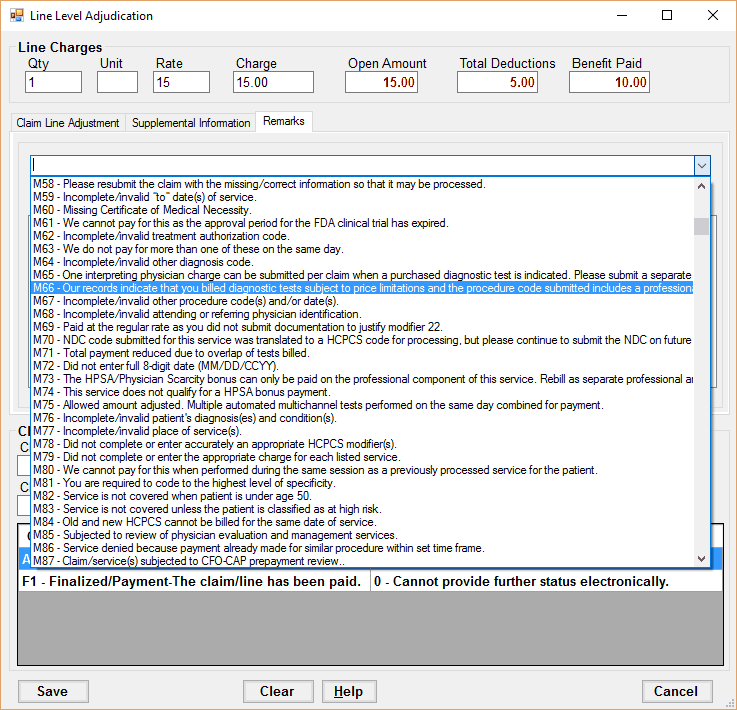
Line level remarks dropdown list.
To remove a line level remark, select the remark in the remark list and hit the Delete key.
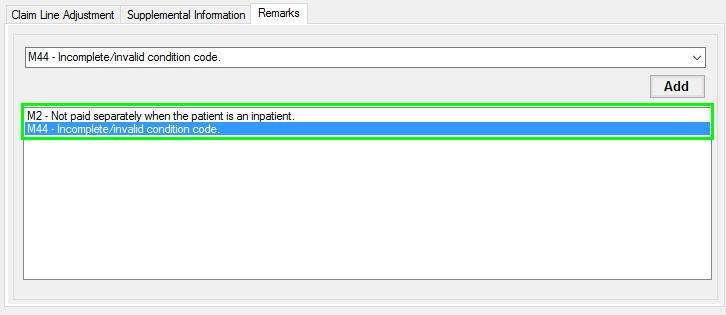
Line level remarks list.
Saving Adjustments
To save any adjustments made to the claim line, click the Save button on the lower left. All the adjustments will be saved and the new balances will be reflected in the main claim adjustments screen.
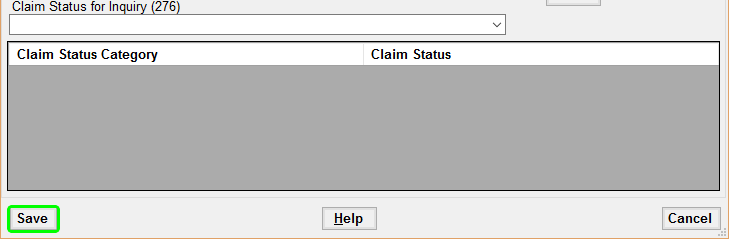
Detail of line level adjustments window. Emphasis on Save button.