Once the database connection and fields have been set up, you can export the data in the 270 EDI files to the database.
On the main screen, open a file and select 'Data Export'
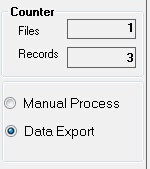
Choosing data export and the counters
Then, when you process the file you will see the counters increasing and when the file is finished you will see a screen pop up with the processing results.
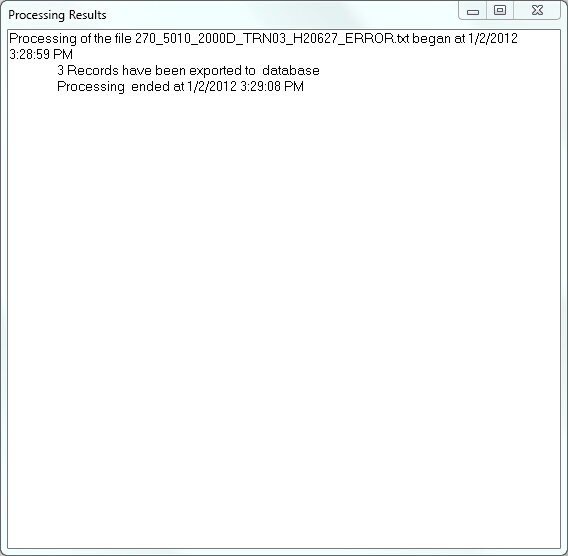
The screen with the process results.