This first part is for those who don't not have the EDI Exchange module enabled!
In order to run the HIPAA Authorizer from the command line or have it invoked through another program, it is necessary to pass command line arguments to the program to instruct it to perform the desired tasks.
Command line arguments are separated by commas.
| 1. | The first argument after the program name is the file or directory name where the source EDI files are located. The application automatically finds out if this argument is a file or a directory. |
| 2. | The second argument indicates the output option. Valid arguments are: |
| • | P - Printer |
| • | I - TIFF or PDF image file |
| • | X - Database export |
The arguments above are concerned with the processing of incoming EDI files. But the export of EDI transactions can also be automated and run through the command line. The syntax is as follows:
| 1. | The first command is your SQL Query |
| 2. | EDI |
| 3. | The file name for the resultant EDI transaction is defined on the third place. If left blank, then the default path and file name will be used. If you just give a directory then the default file name will used in that directory. |
Tip: The application window must be closed. Otherwise the CLI commands do not run.
Example 1
This example calls the HIPAA Authorizer's executable and gives a folder path as first argument and specifies database export(X) as second argument.
"C:\Program Files\HIPAAsuite\HIPAA Authorizer\HIPAAAuthorizer.exe" C:\Inbox\EDI,X
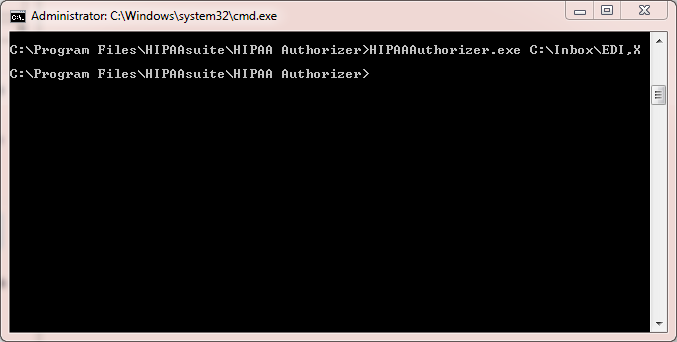
Example 1 command entered to the Command Prompt
Example 2
This example issues a SQL query and gives the file name for the 278 file:
Select * from EDI_AuthorizerHeader where SubscriberFirstname='Frank', EDI, C:\Temp\file.278
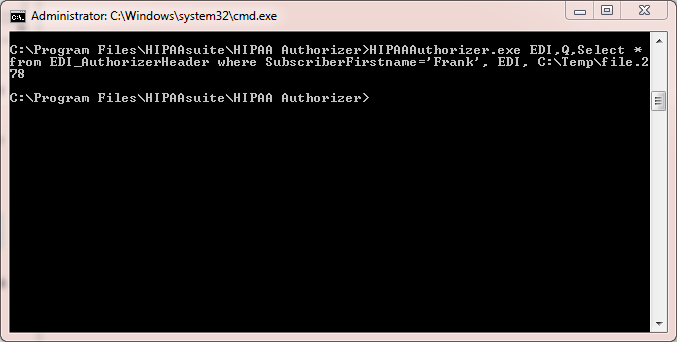
Example 2 command entered to the Command Prompt
Using Command Prompt
Follow the instructions below to use the command-line arguments in Windows Command Prompt.
| 1. | Start a Windows Command Prompt. Go to Start  Programs Accessories Command Prompt. Programs Accessories Command Prompt. Alternatively, you can go to Start Run type "cmd" without quotes and press <Enter>. |
| 2. | Type your command and click Enter. |
The Windows Command Prompt screen
The command returns a system code which is not displayed to the users:
| • | -1 means error |
| • | 0 means everything went okay |
Testing the command line requires that you check the log (See Application Log). In the log, you may see a message like following:
Processing of 'C:\EDI\Inbox\835' started at 3/12/2012 9:21:11 AM
Printer is not found in system
Processing stopped at 3/12/2012 9:21:11 AM
The log will help you to debug the command line.
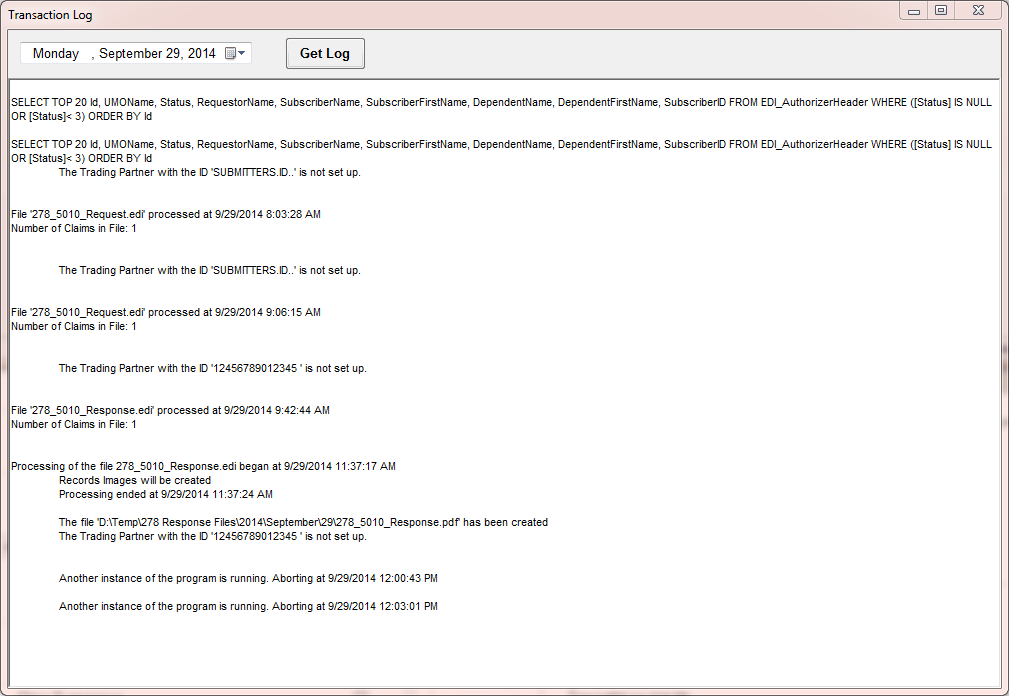
The "Transaction Log" window