The following page displays a possible free-form text message and information on accompanying paperwork. This information can come with the request or it can be added to the response. Again one of the few fields that are editable in the response mode.
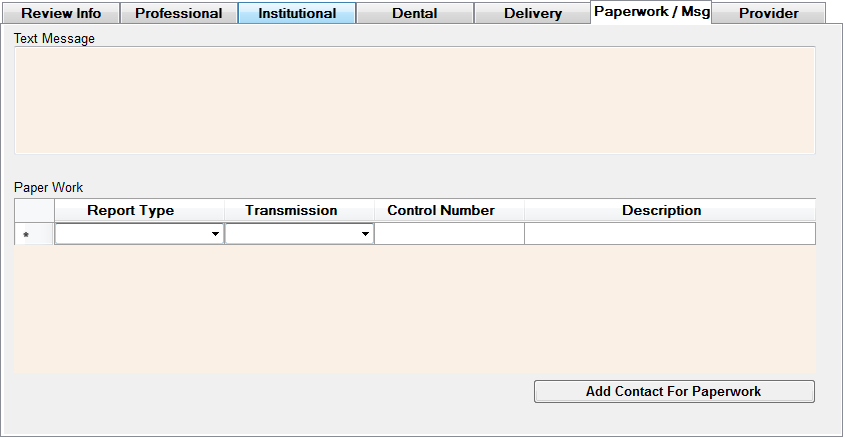
The Messages and Accompanying Paperwork Window
For the response you can add your own free form text and also put in a request for additional information and supporting paperwork. The drop-down menu boxes will allow you to select a report type and transmission method according to the specification in the 278 transaction set. You can add several lines of report requests here.
If you click on the "Add Contact For Paperwork" button, the following screen appears:
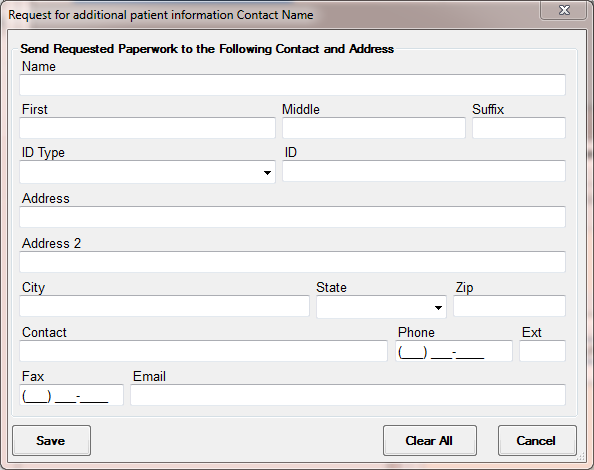
Adding contact information for the delivery of Paperwork