If you are parsing a 278 EDI file and you want to look at the raw data, click on the menu bar "View" à "EDI file". If there is no open EDI file, this option is not enabled.
You will see the following screen.
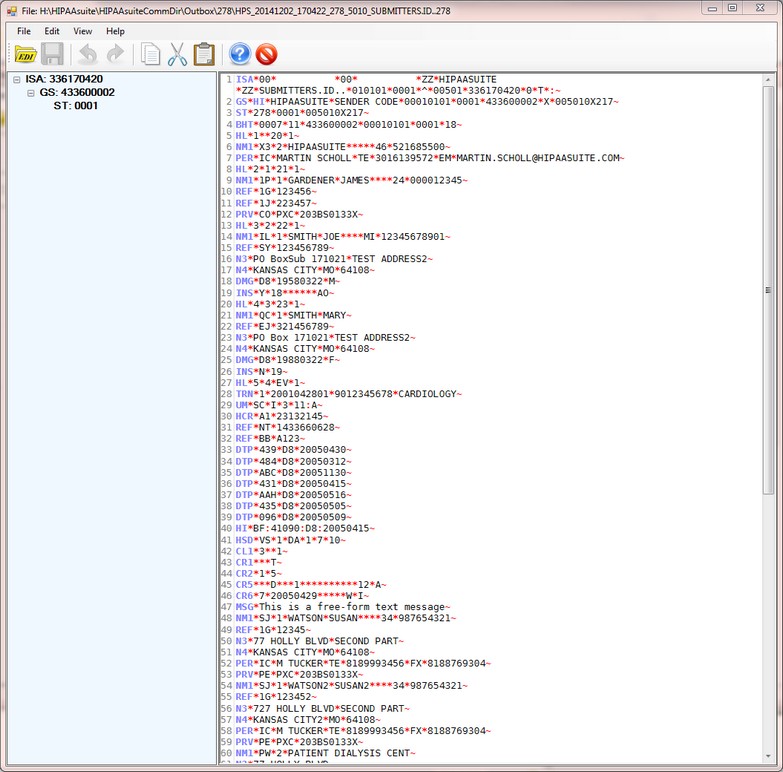
Displaying the 278 response file
This window allows you to
| • | view the EDI file |
| • | Change the raw EDI file and save it |
| • | Use a context menu that appears on right-clicking the editor and search, replace and use standard text functions such as cut, copy and paste |
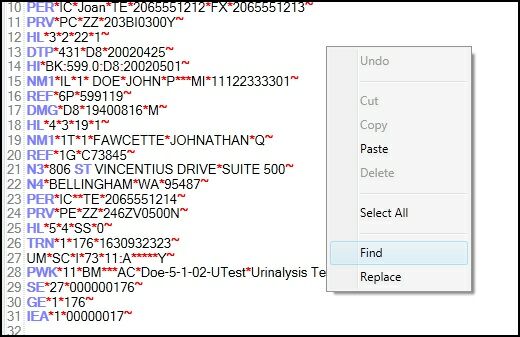
Figure 2: The context menu for the EDI Editor that pops up on right-clicking the editor window