|
<< Click to Display Table of Contents >> EDI Exchange |
  
|
|
<< Click to Display Table of Contents >> EDI Exchange |
|
EDI exchange comes with all HIPAAsuite application. But in order to work it must be licensed and correctly set up. Again the following is only a quick start guide and more detailed information can be found in the HIPAAsuite application.
In order to send EDI files to a trading partner, the relevant tables must be set up in your database. These tables will store your Trading Partners' details and EDI file transfer logs.
First, select "Create EDI Exchange Tables" in either HIPAAsuite Eligibility Responder or Claim Status Responder under the "EDI Exchange" drop-down option on the menu bar.
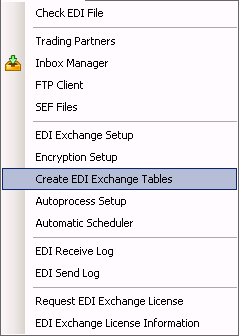
The "EDI Exchange" drop-down menu.
The following window will be displayed.
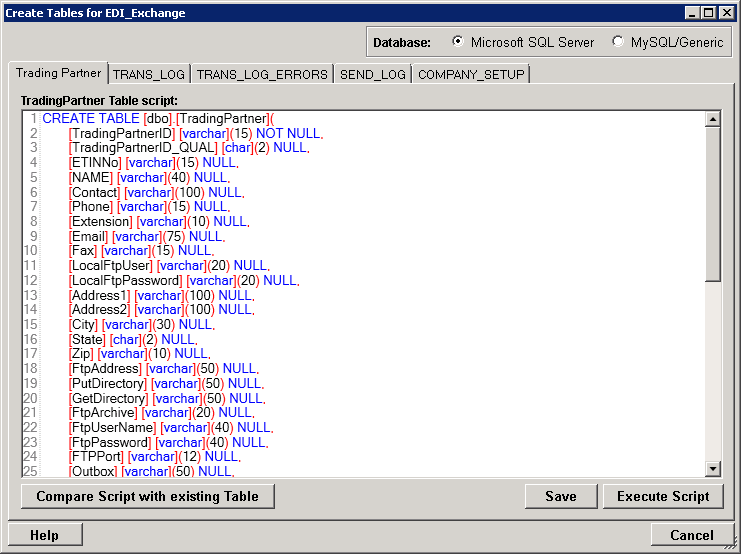
Table creation for EDI Exchange.
Execute the CREATE TABLE script for any table not in your database. The tables are the same for HIPAAsuite Eligibility Responder and Claim Status Responder, so this only needs to be done once.