|
<< Click to Display Table of Contents >> Testbed Data |
  
|
|
<< Click to Display Table of Contents >> Testbed Data |
|
In order to facilitate testing with clients, the CORE testbed data has been included in the form of scripts. We received these data files from EDIfecs and used them during the certification process.
This data consists of multiple subscribed clients, their dependents (if any), and all relevant medical coverage data. To execute the scripts and insert the test data into your database, follow these instructions. We recommend you execute the scripts in a clean or test database.
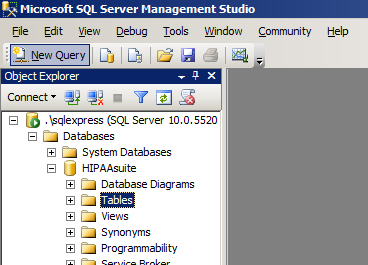
First, open MS SQL Server Management Studio and log into your database server. Click "New Query". This will open a query window in which you can execute queries directed at your database.
Open the "SQL Write Testbed Data HEADER.txt" file, copy its contents and paste them within the query window. Execute the query. This will insert Covered Member info into the HIPAAsuite database created by HIPAAsuite Eligibility Responder. Each row contains the identity of a single covered member.
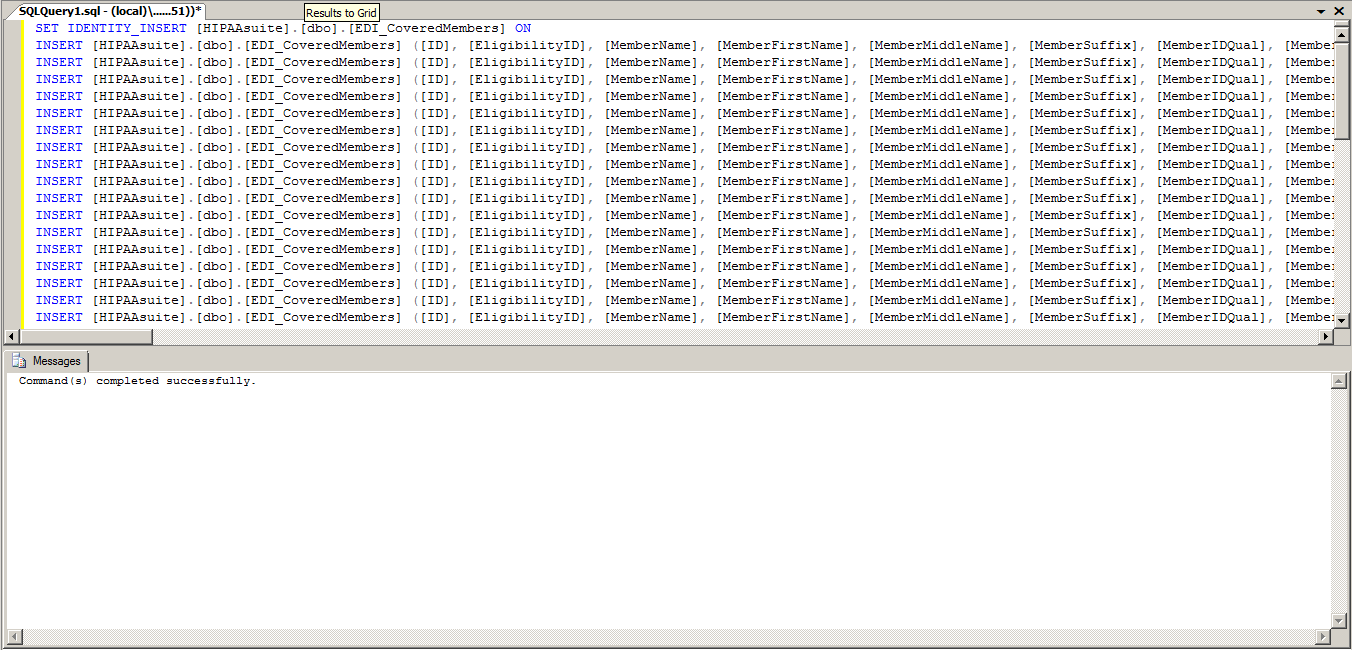
After inserting covered members into table EDI_CoveredMembers, their eligibility details must be filled in. Without these, there is no data with which to respond to an Eligibility request. Repeat the same steps as above: copy the contents of "SQL Write TESTBED DATA.txt", paste them into a clean query window, and execute the query.
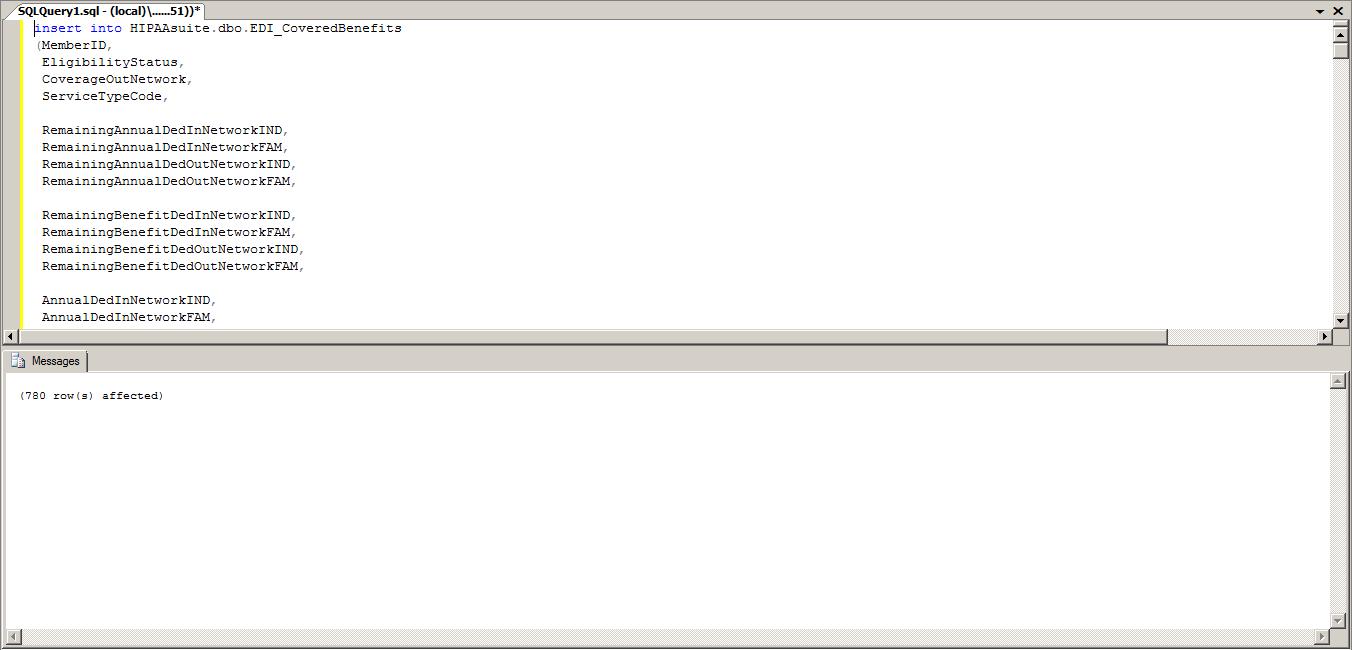
These rows contain all of the necessary information to describe a patient's benefit coverage. Each row describes a single Eligibility of Benefit code for a single patient. It will contain the Coverage Level, Service Type Code, time period, any monetary amounts for co-payment, deductibles, and the like, any percentage amounts for co-insurance, their availability within or without the network, etc. The single row describes the insurance information for a service type without the need for multiple entries as represented in an EDI file. This cuts down on overhead compared to storing each EB segment on its own.