How to Create Tables
In order to facilitate the development, HIPAA Claim Attachment Master allows you to create the staging tables for your database where HIPAA Claim Attachment Master will export the claim data.
Before data export, you need to create the tables through SQL table statements. You can do it using the built-in function of the HIPAA Claim Attachment Master.Creating these tables is a quite intimidating task. Once you have your connection defined and tested, follow the instructions below.
Note: The tables are created via the "Drop Table" and "Create Table" commands. The scripts come from two files: EDI_ClaimStatusHeader.sql and EDI_ClaimStatusDetail.sql that are distributed with the application. Please, contact HIPAAsuite if you need help with the database setup.
| 1. | Select the Data Base  Table Creation in the main menu. Table Creation in the main menu. |
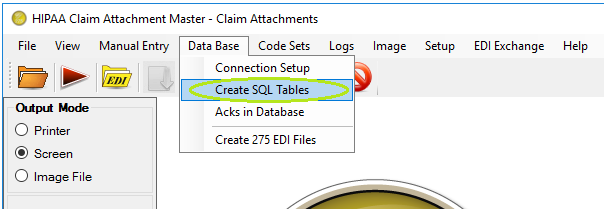
The Create Table Menu.
2.The following window will be displayed.
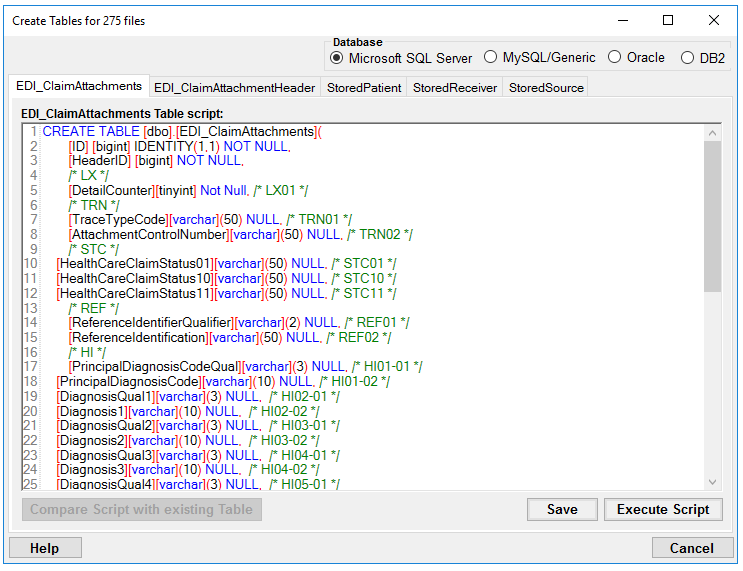
The "Create SQL Tables" window
3.Define the following options:
Database
| • | Microsoft SQL Server |
| • | MySQL/Genetic |
| • | Oracle |
| • | DB2 |
Scripts
On the following tabs there are SQL scripts used to create the appropriate tables:
| • | EDI_ClaimAttachments Tables Script |
| • | EDI_ClaimAttachmentHeader Tables Script |
Tip: You can modify the scripts so that they run on your specific database and to conform to your database's specific SQL syntax. For each script, click "Save."
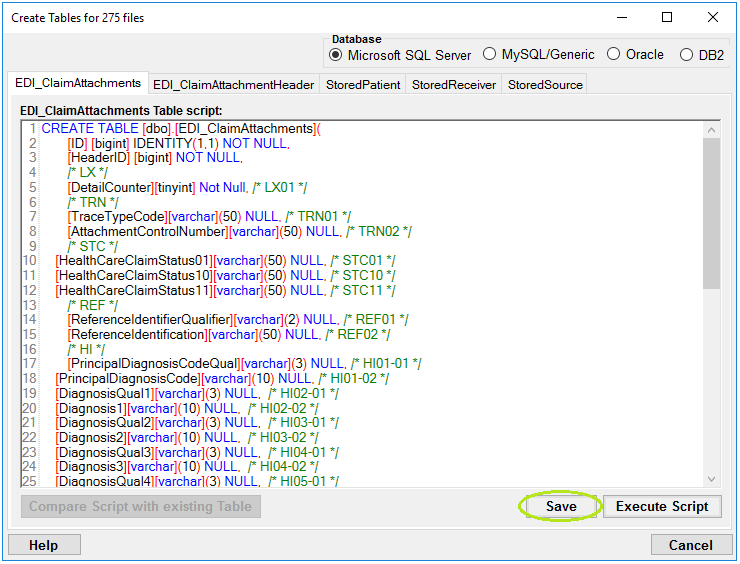
The "Save" button
For each script, click "Execute Script" to create the corresponding table in the database.
Warning: Executing the scripts will wipe out any previous tables that you created and you will loose all data.
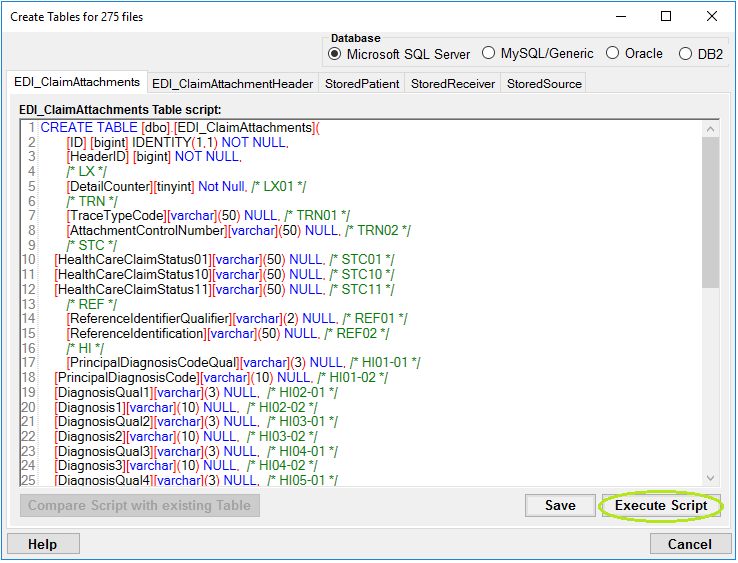
The "Execute Script" button
Once the table has been created successfully, you will see the following notification:
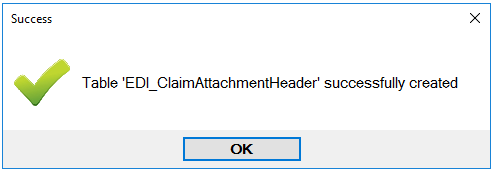
The success message
For each script, click "Compare Script with existing Table" to find the difference delta between saved script and database schema.It also provide option to execute the delta (changes) into database.