We now select the 837 EDI file option
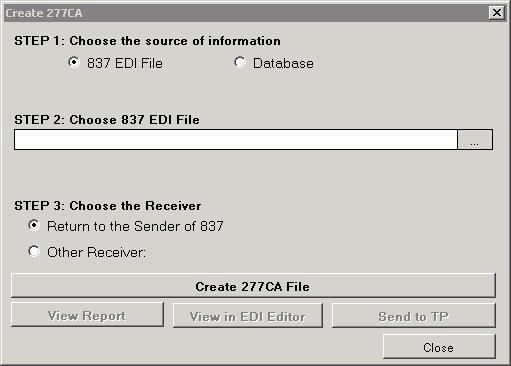
Step 2 in the process to generate a 277CA from an 837 EDI file
and now the Step 2 is revealed, we have to select the file with the Windows file chooser
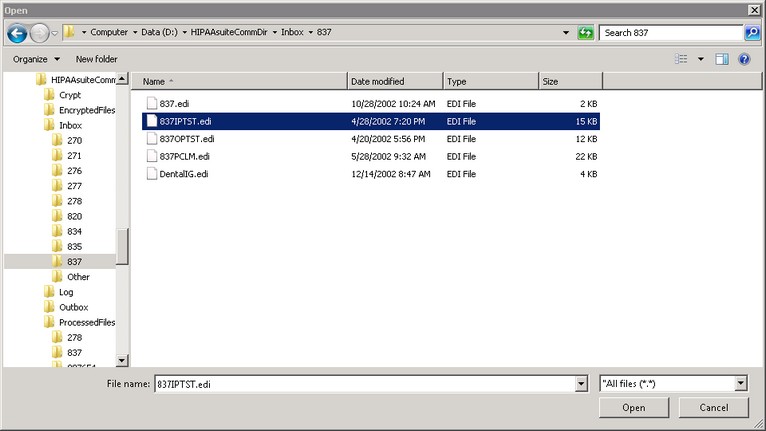
Selecting an 837 EDI file for processing
And now Step 3 comes forward and we have to choose the receiver of the 277CA file. We have two options
| 1. | to send the 277CA file back to where the 837 came from, this means the ISA and GS headers are reversed 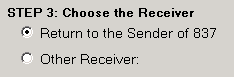 or or |
| 2. | to choose a trading partner from the list of trading partners in the database.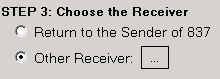 |
If we click on the button next to the 'Other Receiver' option a list comes up on the right side of the screen and and we can choose the trading partner.
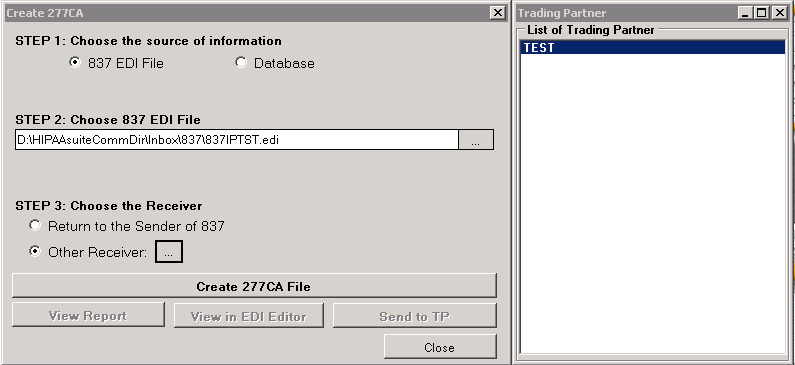
Selecting the trading partner who will receive the 277CA
Once we choose the desired trading partner, the button 'Create 277CA File' is enabled. We press it and the following process result window will show us where the system created the file.
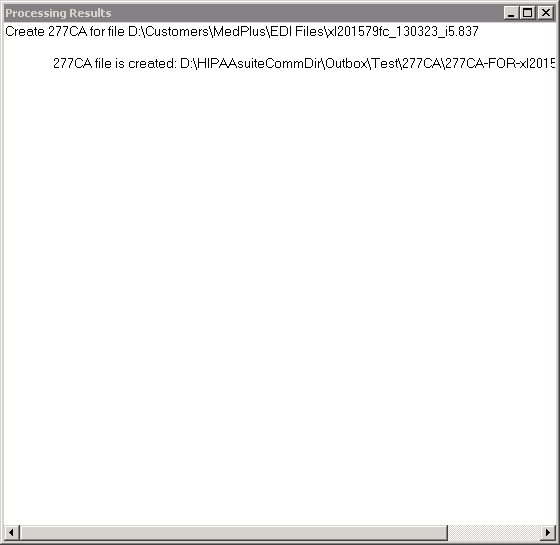
Process Results after creating the file
We close this window and have now several options enabled
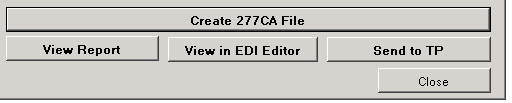
Further processing options are now enabled
View Report We can view the 277 as printable report
View in EDI Editor: We see the file displayed in the EDI Editor
Send to TP: Send the file and if the trading partner has FTP or other transports selected and configured the file will be sent to the trading partner and a success message is visible.