|
<< Click to Display Table of Contents >> Displaying an EDI File |
  
|
|
<< Click to Display Table of Contents >> Displaying an EDI File |
|
Follow the instructions below to open a single EDI file and display it on screen.
1. Go to File  Open in the main menu.
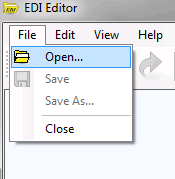
Main menu, "Open" option is highlighted.
Alternatively, click the "Open" button on the TaskBar.
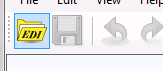
TaskBar menu. "Open" option is highlighted.
2. Browse through the folders and select an EDI file. Then click "Open" or double-click the file.
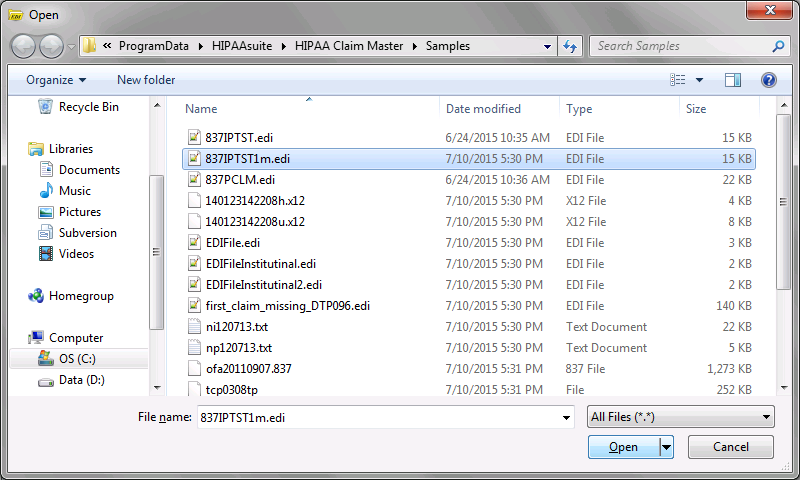
File browser. A sample 837 EDI file is selected.
3. The file is presented in the editing screen.
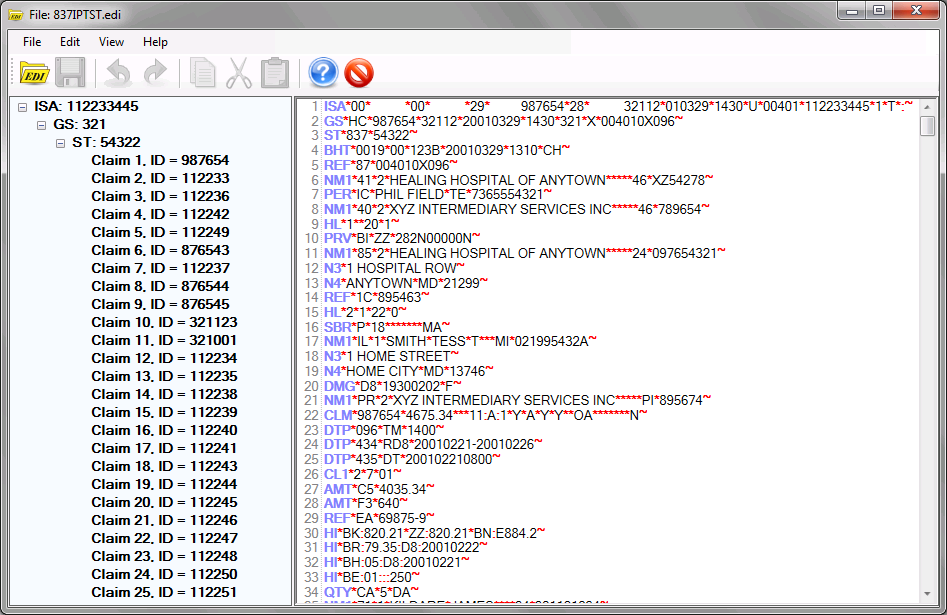
Opened 837 file.