|
<< Click to Display Table of Contents >> Installing the Application |
  
|
|
<< Click to Display Table of Contents >> Installing the Application |
|
Once you download the compressed file with the HIPAAsuite 999 Master, you see the following files.

Please run setup! The HIPAAsuite 999 Master uses several Windows components that have to be merged into the kernel. The Setup.exe program takes care of that. But without these dll's installed the application will not work.
After setup finishes it calls the actual install program and the following screen appears.
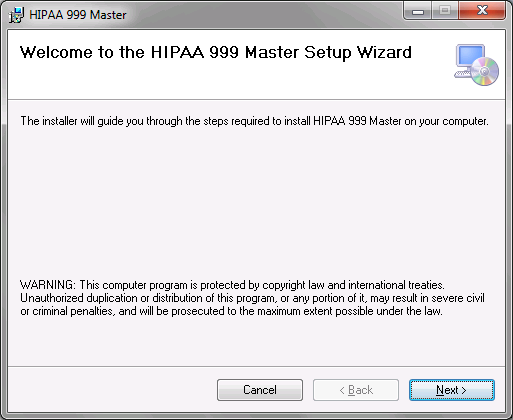
First install screen.
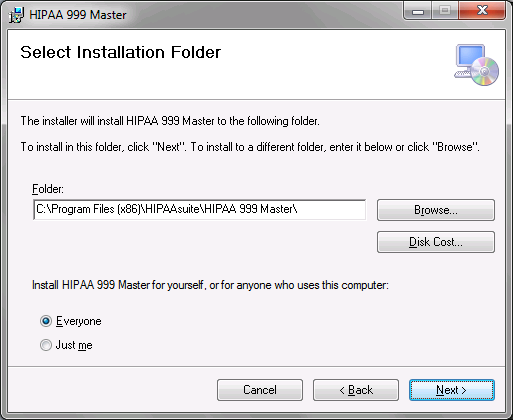
Installation folder selection.
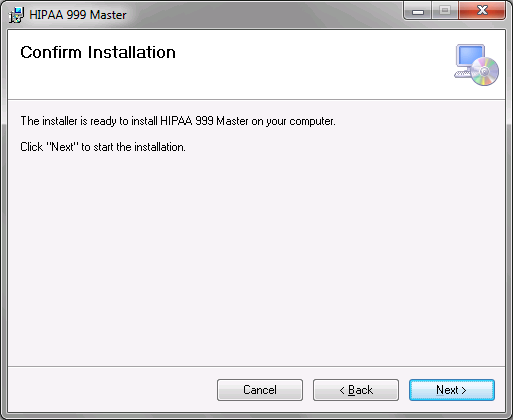
Prompt to begin installation.
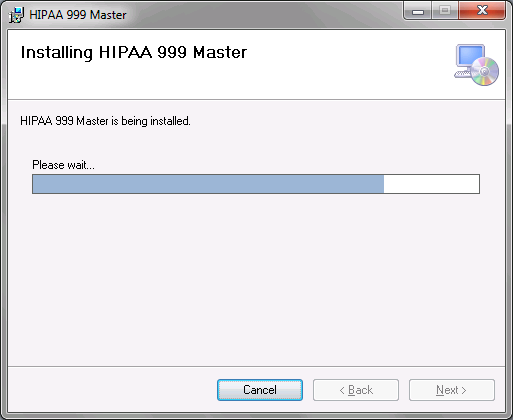
Installing...
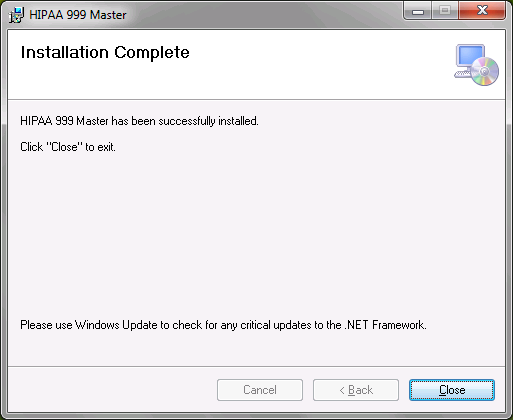
Last installation screen.
You are ready to configure and use the HIPAAsuite 999 Master.