To find a specific claim using a SQL query, open the Adjudication menu on the main screen and click Manage Claims for Adjudication.
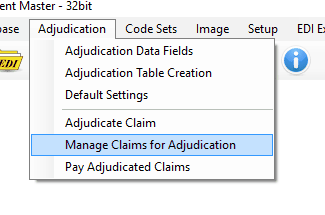
Adjudication menu.
The screen that appears will facilitate searching for specific claims. To the right are the claim status options. Click on a relevant option to narrow the search to claims that have not been adjudicated, have been adjudicated but are yet unpaid or claims that have been adjudicated and paid. The freeform query section will allow you to narrow it down further with the use of a SQL WHERE clause. Click GO to query the database for claims. The defaults will return the first 150 claims in the claims table.
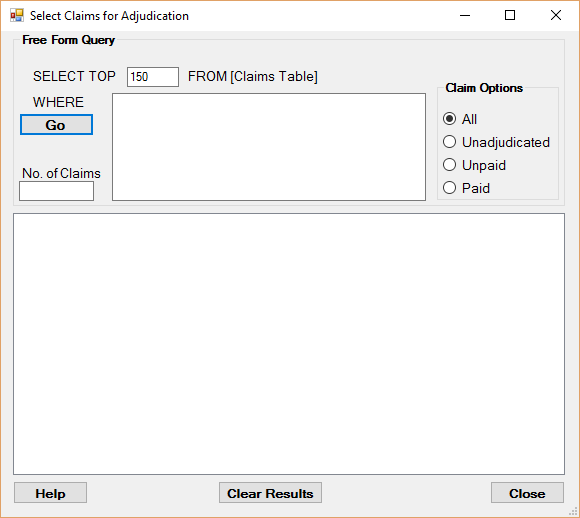
Search for a claim using SQL.
The resulting claims will be arranged in a tree format using their claim numbers. Opening a branch will detail a claim further, displaying its bill provider name, patient name, date, and total charge amount.
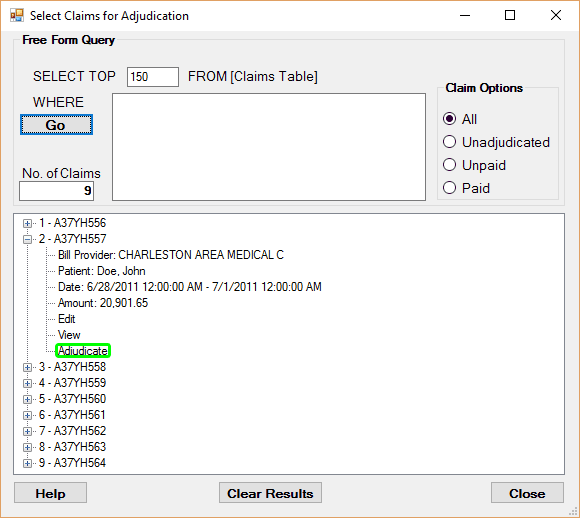
Expanded view of a claim.
Clicking View will display the claim form on the screen.
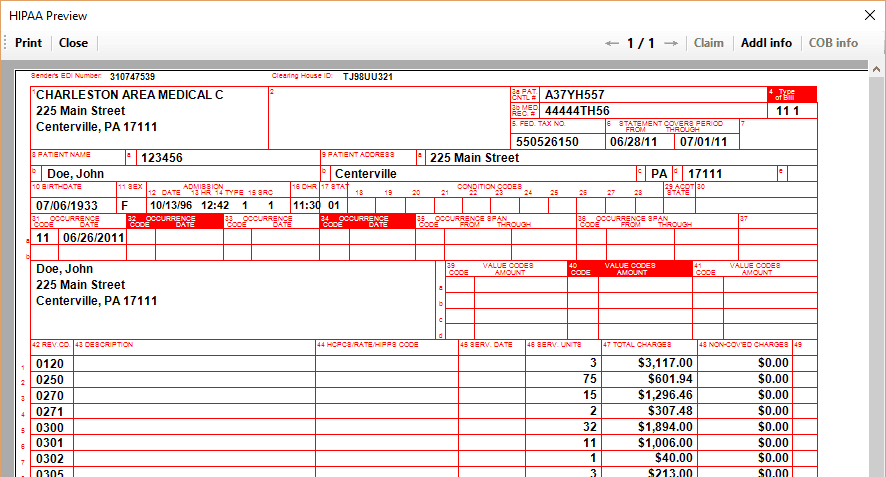
Part of a claim form.
Clicking Adjudicate will load the claim into the adjudications screen.