The right side of the database setup lists the fields in the 2 tables. We recommend that you select all fields and this way make sure that the complete information possibly in a 278 transaction is stored. As previously mentioned when you check "Save Response into Database" on the left side of the screen, you will see additional fields in the right side.
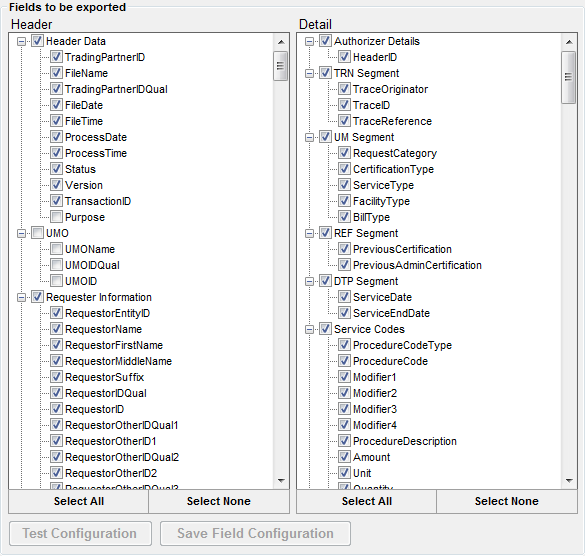
The field selection screen
After you select the fields you must test the configuration before you can save the fields. If you do not have a selected field in your database you will see an error screen come up