HIPAAsuite like to make bug fixes fast and transparent. For this purpose we include an Bug tracker with the HIPAA Eligibility Responder. btnet, Bugtracker in ASP.Net is an open source project. HIPAAsuite implemented Bugtracker.Net in all its products to track bugs and enhancements. One of the reason we liked btnet was the screen capture capabilities. We adapted and included this facility
You can reach the Issue Tracker under the Help menu
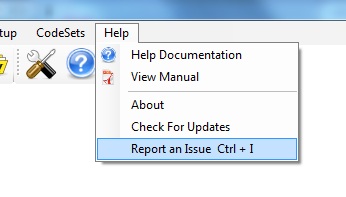
Figure 1: The menu for the issue tracker
Please remember the shortcut Ctrl + I to call the Issue tracker. Some screens do not give you access to the menu while they are open, but the key combination Crtl + I will call up the issue tracker report screen.
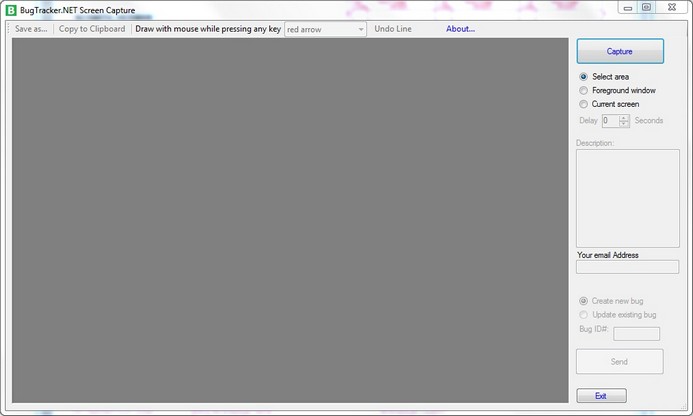
Figure 2: The BugTracker.Net screen capture facility
If you click on 'Capture' you can snap a picture of your screen
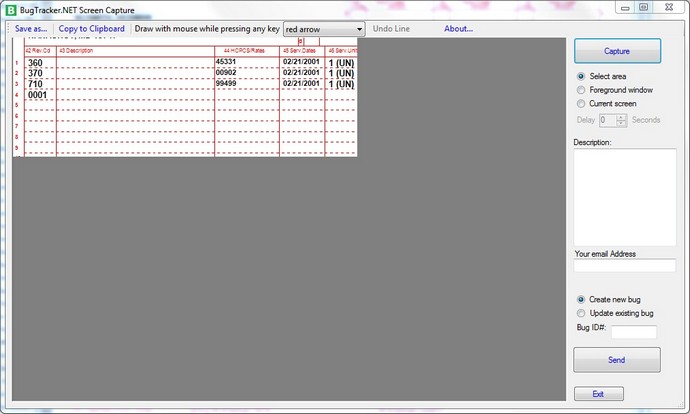
Figure 3: With a section from the underlying screen
Enter as much information into the description as possible. You can enhance your screen shot with drawings. By pressing any key and holding down the mouse while over the canvas, you either highlight in yellow, free draw in red or make red arrows:
You can high light sections
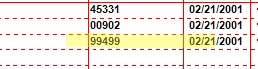
Figure 4: High lighting a section
You can draw circles
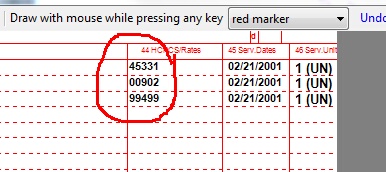
Figure 5: Circling a section
You can point arrows to pinpoint your concerns
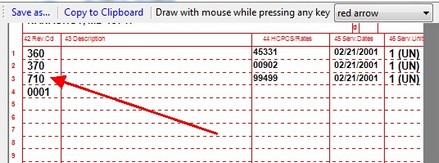
Figure 6: Drawing an arrow
Now please enter your email address so that we can get in contact with you and indicate whether this is anew bug or a follow up on an existing issue. Then click on 'Send'
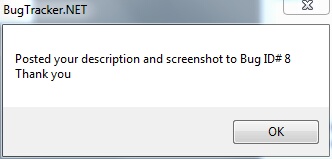
Figure 7: Acknowledgement of Issue submission
Now this bug has been submitted, we will be notified by email and you will get updates on the issue.