There are two methods of sending requests via the HIPAAsuite RealTime Client and, by extension, MIME or SOAP to a desired Trading Partner.
Sending an Eligibility Request using the Workgrid
After creating an authorization request using the request mode and the Manual Entry method it will be presented on the workgrid as follows:

If you are having trouble finding the correct request, try filtering by date created or unsent requests only.

Having located the record to be sent, click on "Send to Trading Partner". This will present you with a selection of Trading Partners and, having double clicked the desired receiver for your request, will then send the EDI request to the selected Trading Partner through the method you selected during the Trading Partner setup. If the method selected was MIME or SOAP, the request will be sent to the selected Trading Partner's MIME or SOAP service.

Sending an Eligibility Request using a DB Query
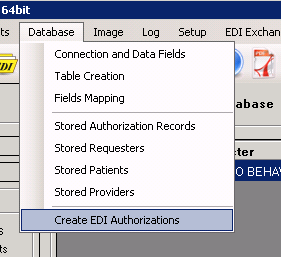
To send an eligibility request created from a query, first open the "Create EDI Authorizations" form.
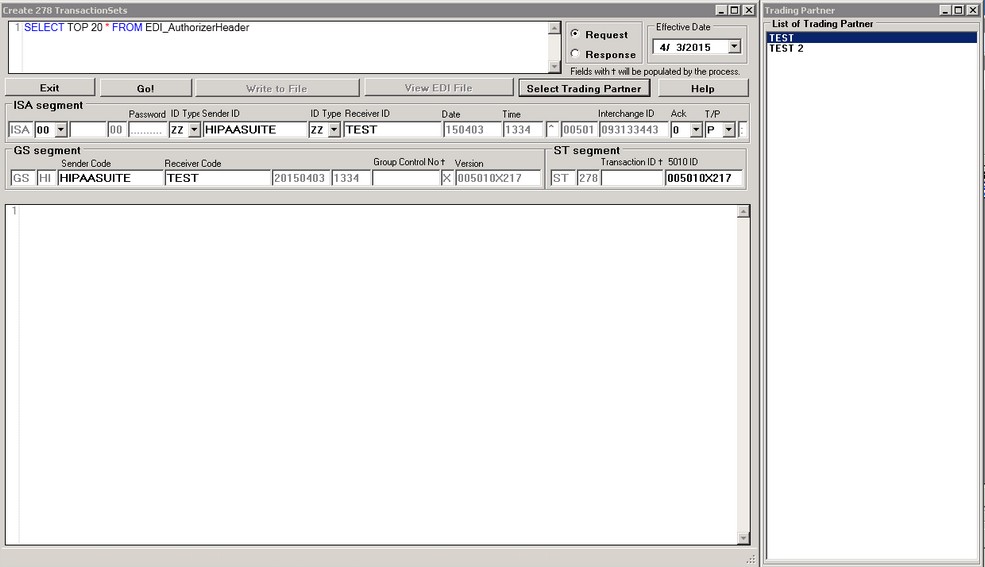
In the "Create EDI Authorizations" form, first select the trading partner to whom you wish to send a request by clicking "Select Trading Partner". If no trading partners are listed, you must enter them as shown in Setting up Trading Partners.
Selecting a trading partner will fill in the appropriate EDI fields in the ISA and GS segments when the EDI file is created.
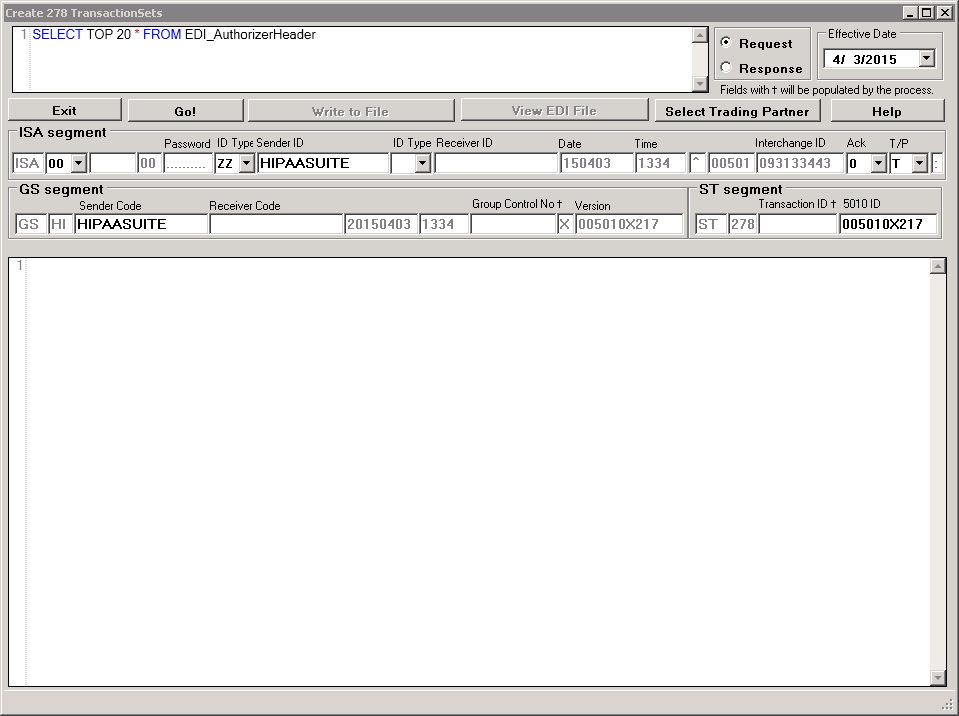
The form to create 278 EDI files from the database
After selecting a trading partner, click the "Go!" button. This will generate a 270 Eligibility request EDI file. If the contents are satisfactory, save the file.
After saving, the "Send EDI" button will be active. To send the newly saved file, click it. This will send your EDI request to your trading partner via the method you specified when setting up the selected Trading Partner. If MIME or SOAP was selected, the file will be sent through the RealTime Client to the Trading Partner's MIME or SOAP service.