The database contains 3 tables that store data for further reuse. You can save a lot of time by having the database fill up all the fields related to a particular entity.
The stored records can be recalled and administered here:
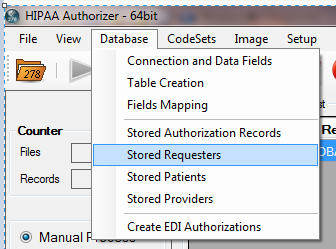
which will bring up this screen:
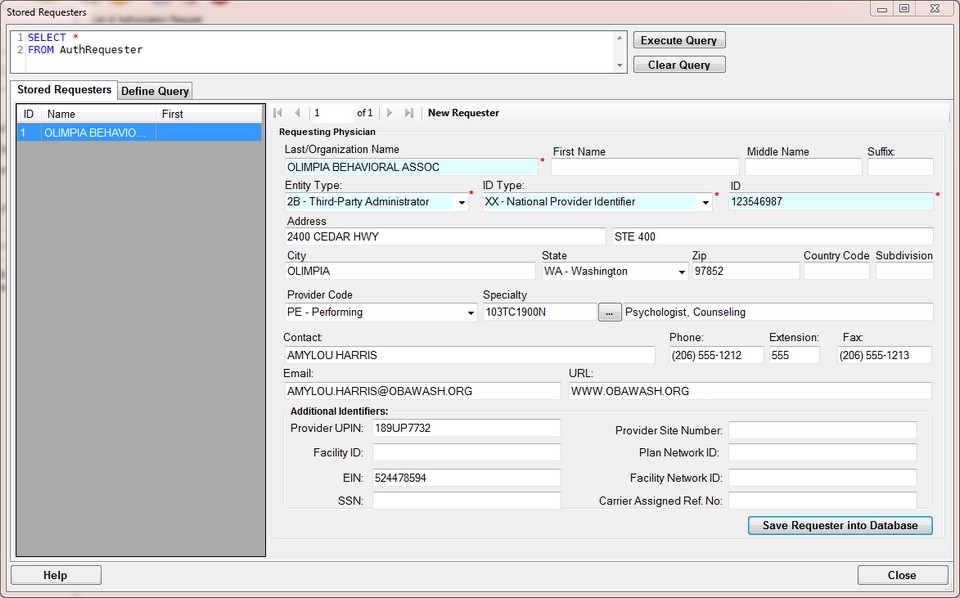
Auto-complete
When we now enter a new request and type in the ID field the letter O, we get prompted for our record depicted above
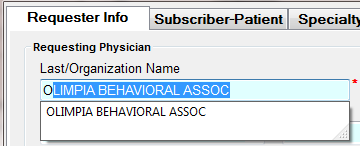
and if we select the entry, the form will fill
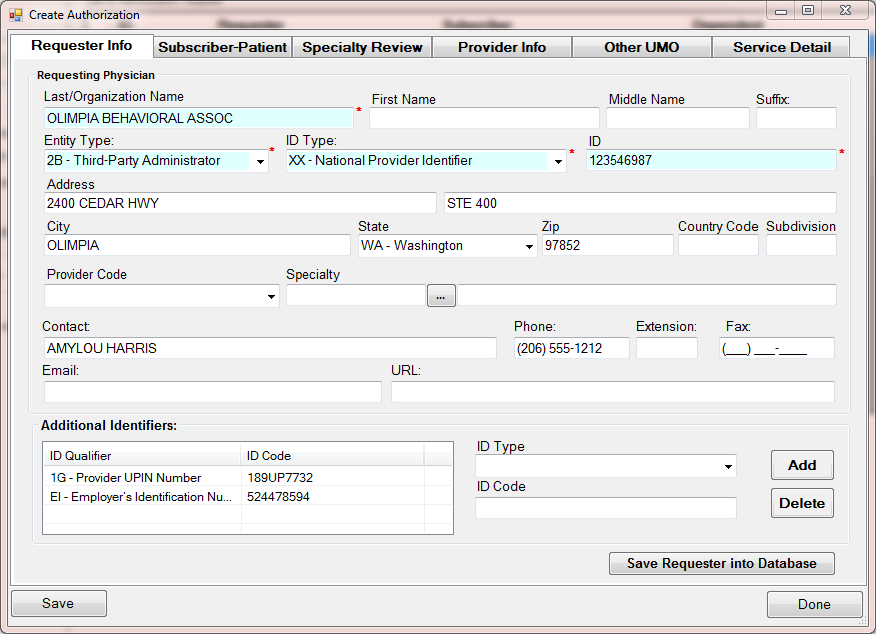
Turning Auto-complete On or Off.
Under Setup is the menu "Edit Mode Setup"
Here you have two check boxes in the middle that determine whether you will have auto complete in name fields and /or ID fields
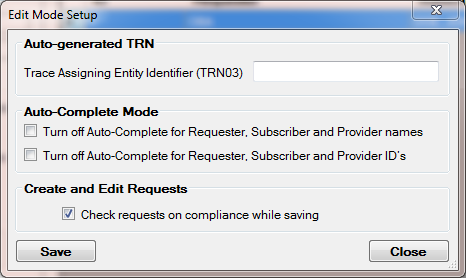
The Edit Mode Setup screen