Once the requests records are stored in the database, they can be accessed from the program.
Under Database --> Store Authorization Requests
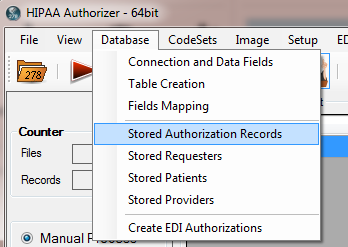
Getting to the stored request records
The following screen will come up. Here are all the records in the database listed.
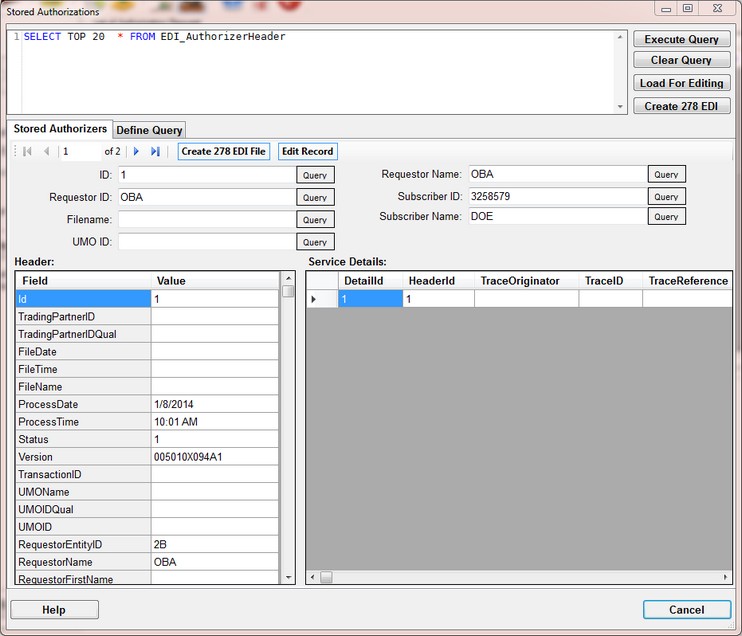
Accessing the request records in the database
Database records are editable. Just double-click into any fields and the editor comes up
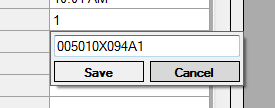
Editing a database record.
You can query the database in two ways. If it is any of the 7 fields on the above screen, just type the sought after value and click the 'Query button' next to it. You will see that the query on top of the screen.
The other way is to click on the 'Define Query' tab and now every field in the table is accessible and can be used for a query.
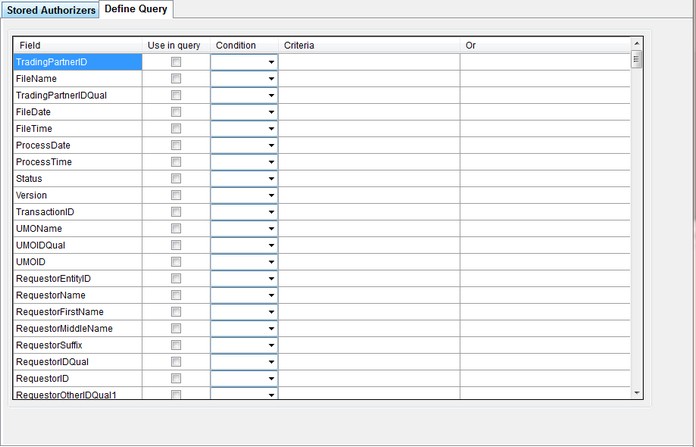
Define you own query
There are four buttons on the top right of the form. Two of them require an explanation.
Load for Editing - When you click this button, the selected records are then transferred into the grid of the request main window and served in the work place
Create 278 EDI - The query is passed into the from from which you can create a 278 file.