Once we create a complete request we can save the transaction to the database.
Here several things happen
| • | Each screen is individually verified for required information. If elements are missing a message pops up with information as to what is missing. |
| • | The record cannot be saved unless all those error messages are dealt with. |
| • | Secondly a HIPAA compliance check is performed on the saved record if so indicated in the Edit Mode setup. Using the HIPAA compliance engine that is part of the optional EDI Exchange module, a mock 278 transaction is created in memory and than tested with the compliance engine. A window with the processing results will pop up. |
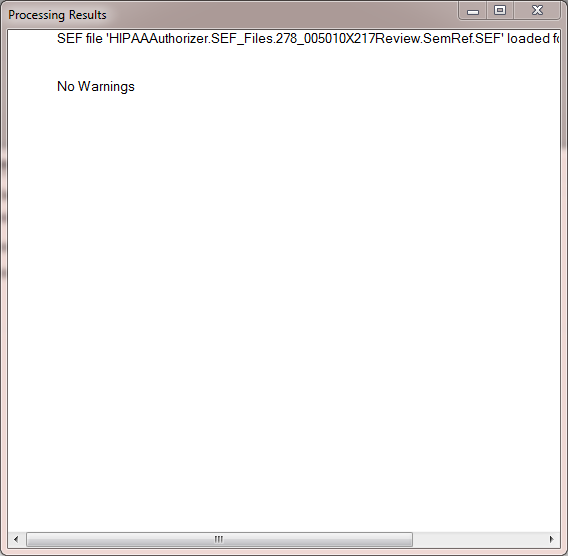
The window with the compliance check results
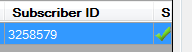
Once a request is saved without warnings, a green check mark appears in the last column of the work place request grid
This careful procedure guarantees that requests made with the HIPAA Authorizer, are valid and that they should be accepted by the receiving party.