ODBC connection are established in the Windows Control Panel, with newer versions having the ODBC Data Source Setup under the 'Administrative Tools'
Start --> Control Panel
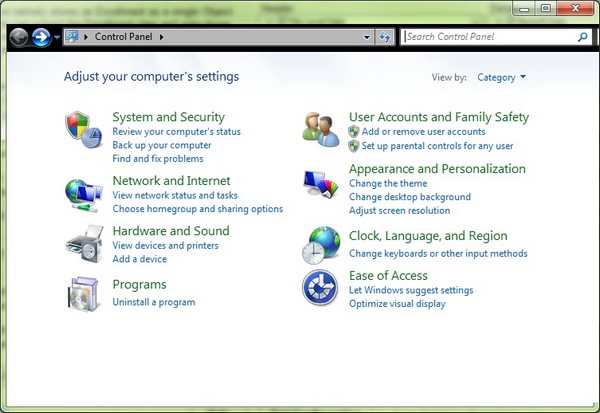
The Windows Control Panel in Vista and later version
I find the easiest way to find anything in the control panel is to search for it. so I type 'ODBC' in the search box in the top right corner of the screen.
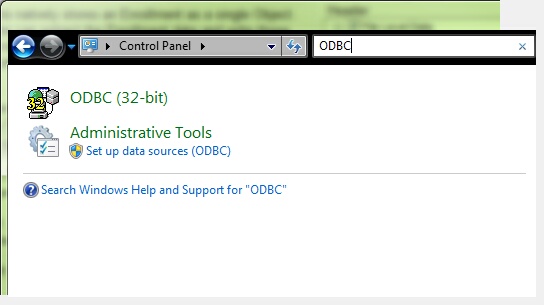
Link to the Data Source Setup Tool
When you click on it you will see this screen
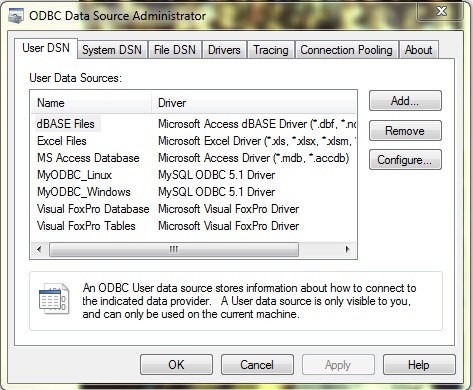
The ODBC Administration screen
Please consult Windows Help or the internet on specific data source setups.