HIPAA Authorizer Image Viewer allows you to view images stored in the output folder, defined in the image options. See Adjusting Image .
Follow the instructions below to view images.
1. To access Image Viewer, select the "Image Viewer" option under "Image" menu item.
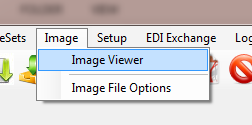
The "Image Viewer" menu
2. The "Image Viewer" window will open.
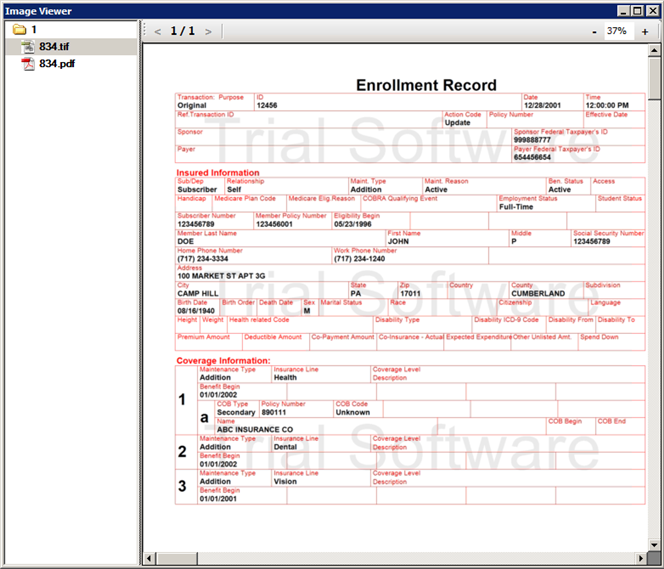
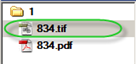
3. Select the necessary image in the left navigation pane.
4. For pages navigation, use the arrow buttons.

5. To scale the image, use "+" or "-" buttons or define the percent manually.
