When we click on "Start Responses" we see the same screen that is used to manually enter a request. The only difference is that most fields are disabled and only those that can be edited for the response are enabled.
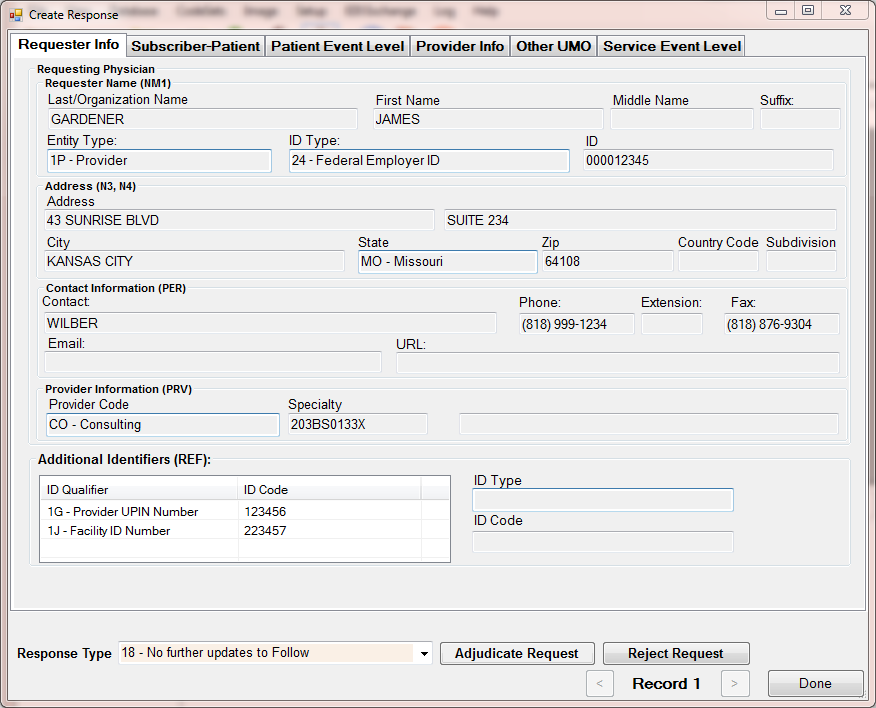
The screens to study the request and create the response.
As the screens were already explained in detail in the chapter on Request Mode, we don't go through them again but concentrate on the response specific sections.
Here we see the requester tab. And on the bottom we see a combo box where we can select the response type and two buttons, "Adjudicate Request" and "Reject Request". In order to understand the meaning of these buttons we have to look at the two types of responses that the 278 can convey. The normal adjudication response will indicate if the authorization is given or not and why not. The rejection will cite a reason why the request was not valid. Maybe the subscriber is unknown, maybe the requester not in the system, maybe the system is down. All those and many conditions are expressed in so called AAA segments. In these segments we find the coded information on the rejection.