|
<< Click to Display Table of Contents >> Setup Troubleshooting |
  
|
|
<< Click to Display Table of Contents >> Setup Troubleshooting |
|
These are errors you may see during the server configuration and their solutions.
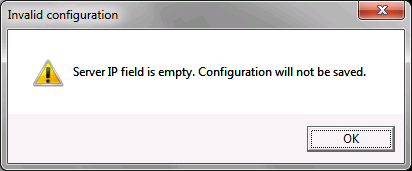
Missing Server IP field. The Server IP is the public-facing IP for your server.
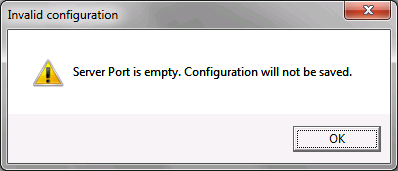
Missing Server Port. The Server Port is the port your RealTime Server will listen on for incoming transactions. Ports must be set or changed by an administrator.
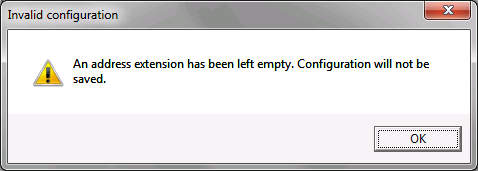
Missing address extension. All four are necessary. They determine where each service is hosted. MIME uses the same envelope format in both Real-Time and Batch modes and do not need to be different. However, SOAP Real-Time and Batch modes use SOAP and MTOM message envelopes, respectively, making different addresses for each a necessity.
Server connection options have not been tested. If you are sure the connection details are correct, this warning can be ignored and the Real Time Server's settings can be saved.
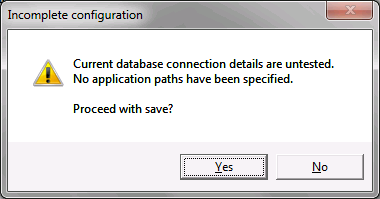
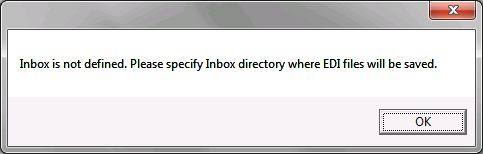
Missing inbox address. The inbox address is necessary to determine where HIPAA RealTime Server will deposit incoming EDI files. Use your existing HIPAAsuite EDI Exchange EDI Root folder.
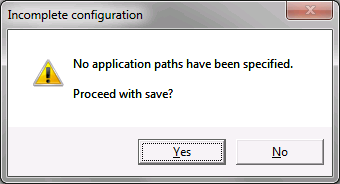
Missing HIPAAsuite application path(s). At least one HIPAAsuite application compatible with HIPAA RealTime Server (HIPAA Eligibility Responder, HIPAA Claim Status Responder, etc) is necessary to make use of the HIPAA RealTime Server. The .exe file for any of these is found in their respective install folders.