Click on DB Administration list do open the window from which user can review the Table data and can change it values.
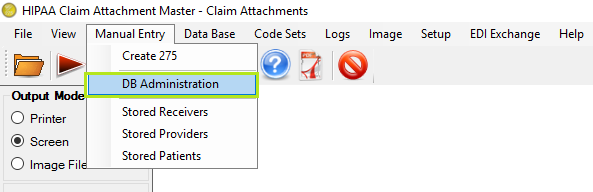
"Manual Entry - DB Administration Menu"
Click on DB Administration Menu open below window.It do open below window.

"DB Administration Screen"
It do displays 3 tables for data modification: StoredPatient, StoredReceiver and StoredSource.

"DB Administration - Stored Patient"
Change any value and do click on Commit Changes button save the value into selected table.
Discard changes button discard the changes made within table and return screen data to its original state.