|
<< Click to Display Table of Contents >> Troubleshooting Database Setup |
  
|
Troubleshooting Database Setup
|
<< Click to Display Table of Contents >> Troubleshooting Database Setup |
|
Some common errors during database connection and fields setup stages.
Network error. This is a timeout error caused by an incorrect or currently inaccessible database server address.
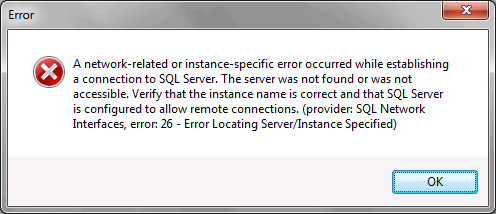
Connection timeout error.
Cannot open database. This is a database name error. The database does not exist in the specified database server.
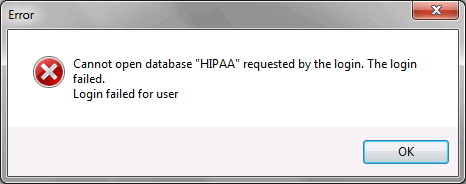
Database name error.
Login failed. This is a login credentials error. The user does not have access to this particular database or the credentials are incorrect.
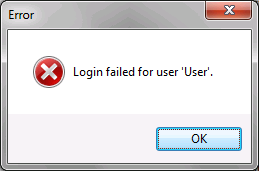
Login credentials error.
While testing the database connection details and credentials for the first time, this error message is expected. The tables cannot be created from the application without first establishing a database connection for the scripts to create tables onto.
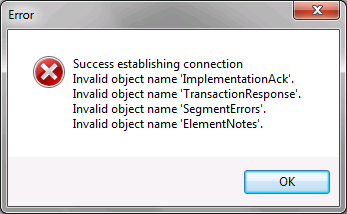
Successful connection, missing tables error.
Invalid object name. This is a database table error. The invalid object is a table that was not found while testing. The table does not exist in the tested database. In the following example, the tables "TransactionResponse", "SegmentErrors", and "ElementNotes" exist in the database, but the table "ImplementationAck" does not.
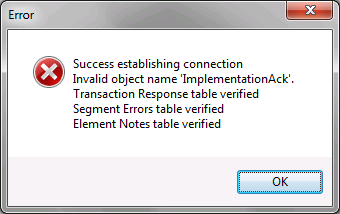
Missing table(s) error.
Invalid column name. These are missing fields. Any missing fields detected will prompt this message, which details any columns in a table and what table they belong to. It also allows the user to uncheck the fields in question in the database setup window. In the following example, the fields "FileName", "SenderID", "FuncitionalID" [sic], "AcceptedTS", and "ErrorCode1" are not present in the table "ImplementationAck".
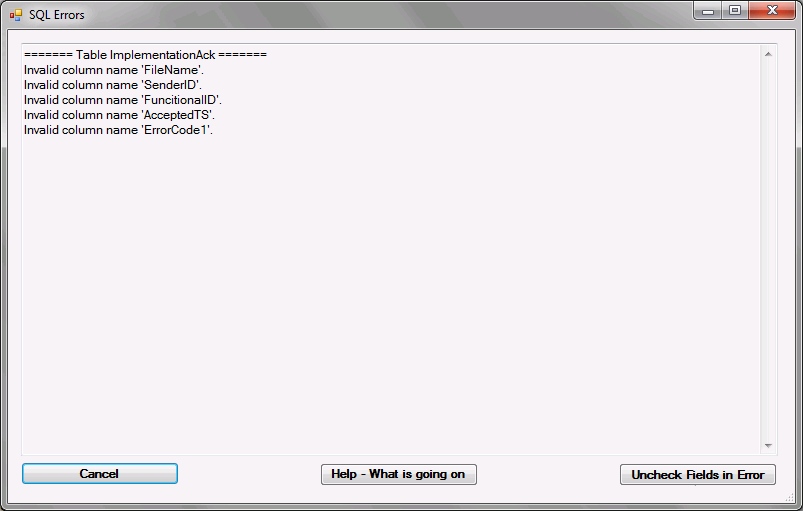
Missing fields error.