|
<< Click to Display Table of Contents >> Browsing Exported Data |
  
|
|
<< Click to Display Table of Contents >> Browsing Exported Data |
|
The HIPAA 999 Master can access the exported data and show it to the user. This might be helpful in tracking particular acknowledgments.
Select the Data Base  Acks in Database in the main menu.
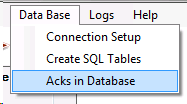
"Data Base" dropdown menu options.
You will see the following screen where all stored acknowledgments can be reviewed. In addition, you can query the database for any of the displayed fields. For example, if you want to check if all the acknowledgments from a specific file were imported, you could type the filename into the appropriate field and click the "Query" button. The results will be returned.
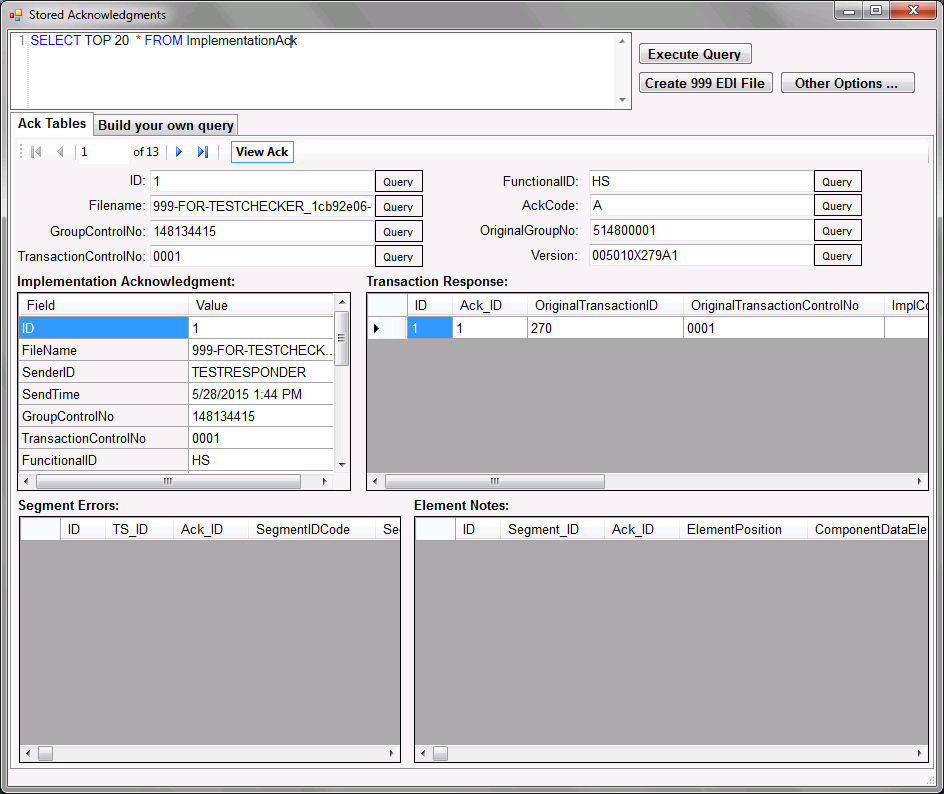
Stored Acknowledgments window.
Selecting a particular Implementation Acknowledgment will present all relevant Transaction details. To view Transaction-specific Segment Errors, select a Transaction. Likewise, to view Segment-specific Element Notes, select a Segment.
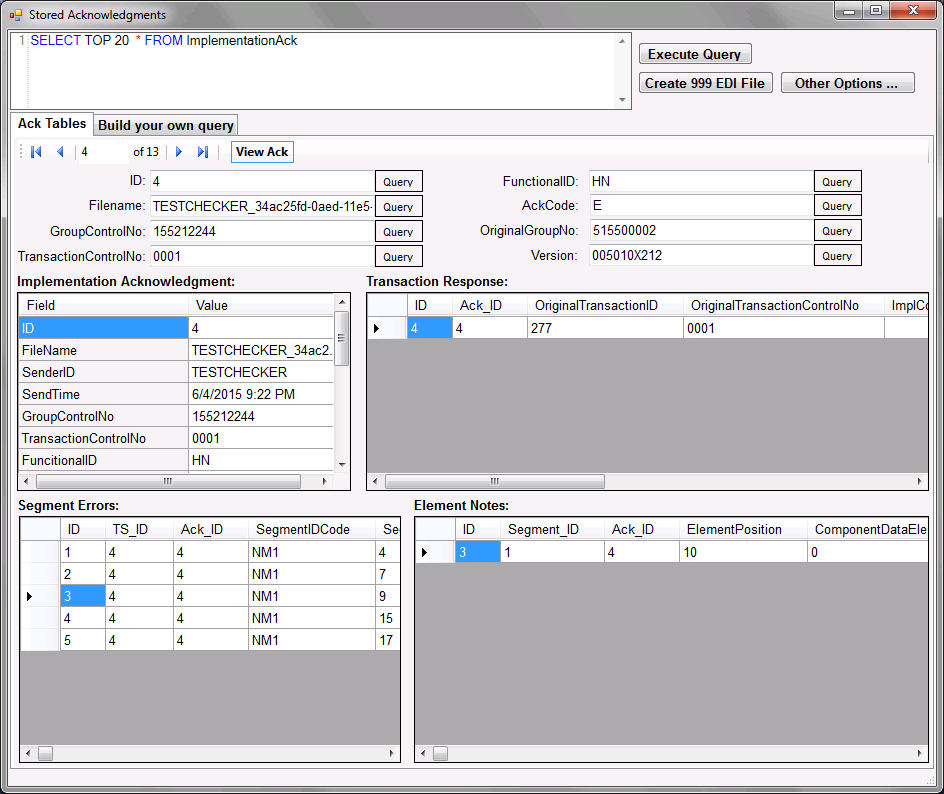
Viewing Element Notes for Segment Error #3.
Click on the "View Ack" button to render the acknowledgment.
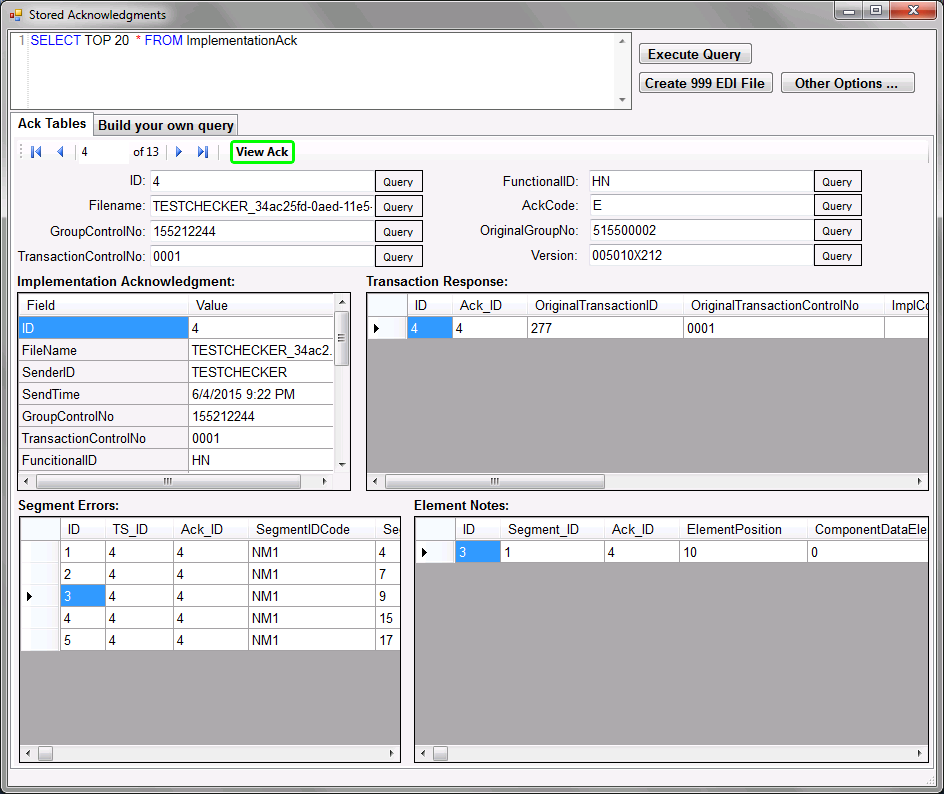
Stored Acknowledgments window. Emphasis on "View Ack" button.
The following preview window will open:
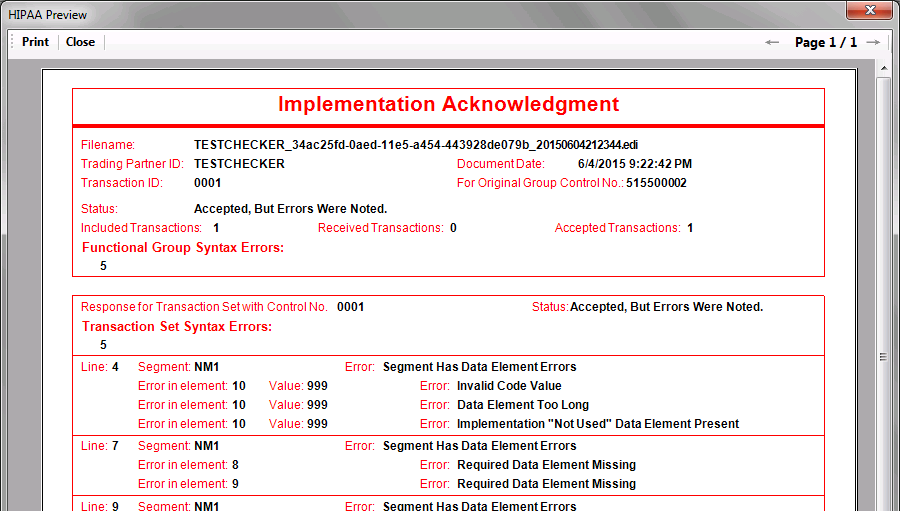
An acknowledgment image created from a database record.