When you open the HIPAA Compliance Editor and get past the trial screen, you will see the main screen of the program.
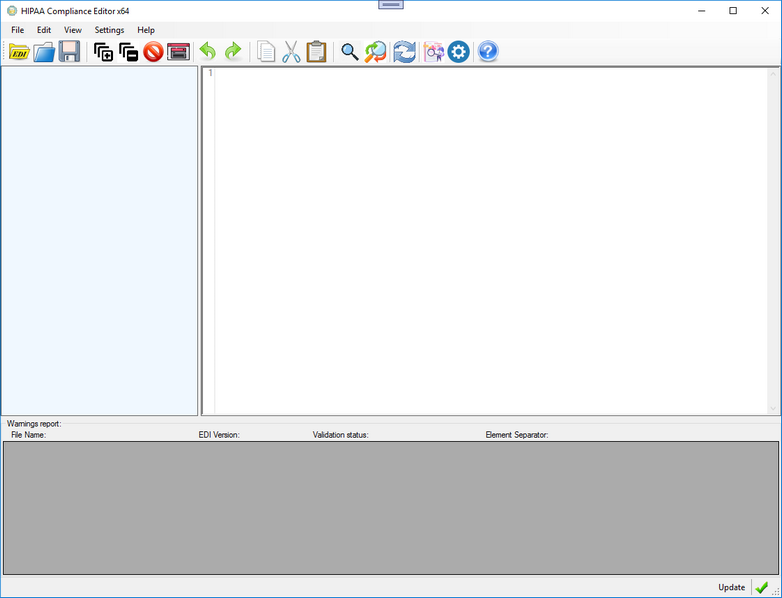
The HIPAA Compliance Editor
The program is made as self explanatory as possible, most of the icons are well known in the industry. We have on top a menu system that allows us to access the different Parts of the program
Below is a Task bar that exposes all functionality to quick access buttons, imitating the function of the menu for the most part.
Here is the view with a sketchy EDI file loaded
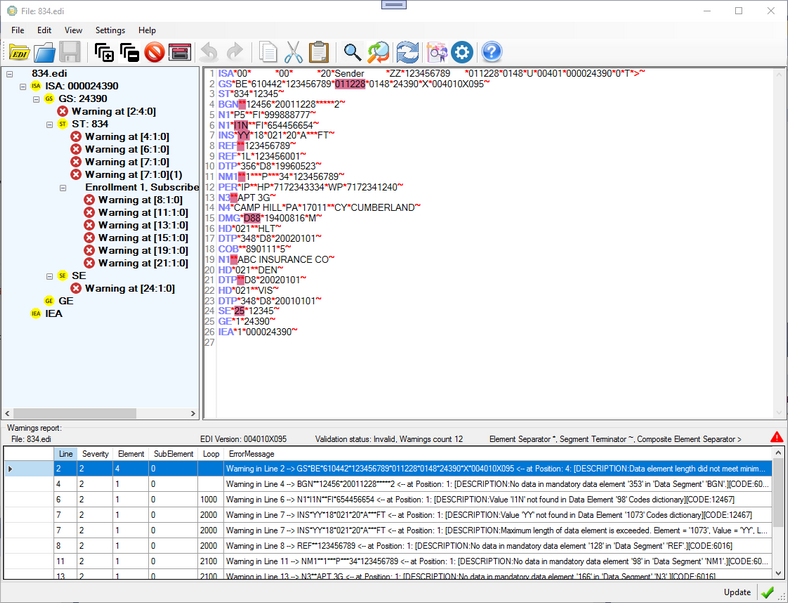
The HIPAA Compliance Editor with a bad EDI file
Here are the main features of the HIPAA Compliance Editor:
| • | EDI Errors are highlighted in the Editor |
| • | Clicking on the highlighted area will show a tool tip text with the precise error message |
| • | The navigation tree on the left has nodes for each error |
| • | Hovering the mouse over the node will display the full error message, |
| • | clicking on a node will advance the editor to the location |
| • | All EDI envelope segments are displayed in the tree delineating the structure of the file |
| • | A detachable data grid view is attached to the bottom of the Editor listing all the errors |
| • | Clicking on a row in the report will advance the editor to the location |
| • | The EDI file can be edited and the report can be refreshed |