|
<< Click to Display Table of Contents >> Troubleshooting Database Export |
  
|
|
<< Click to Display Table of Contents >> Troubleshooting Database Export |
|
When you start exporting claims into the staging tables you might encounter errors at first. This usually results from table definition issues. The HIPAA Premium Payment Master displays a very detailed error message that tells you which claim failed, at what field and if applicable, which line.
This information should help you to trouble shoot the problems. It sometimes takes serious detective work to find and correct errors.
Below are some of the most common errors.
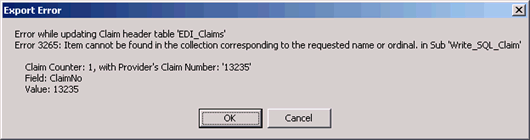
This error happens when a column that was selected for export does not exist in the Header table. In this particular case it is the field "ClaimNo." If you receive this error, go back to your table admin tool and check in the field "ClaimNo."
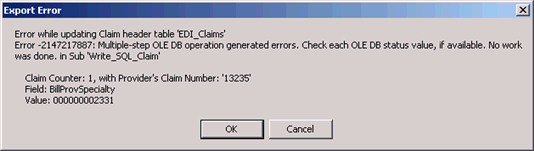
Typically, the message when the field definition in the database is different from the data. Here we see that the error occurred with the billing provider's specialty. The field definition in the table was set as varchar(10) and the value here:000000002331 has 12 digits, causing the error message.
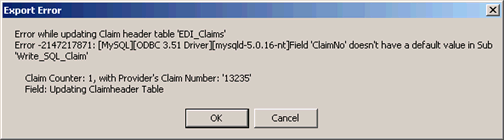
The field "ClaimNo" is defined as "Not Null." But somehow this data was not present and HIPAA Premium Payment Master tried to update the table with a null ClaimNo.
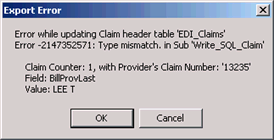
This error occurs when the HIPAA Premium Payment Master tries to write a letter to a field that is defined as "Integer" for example. The data type of the column does not match the data type of the value.
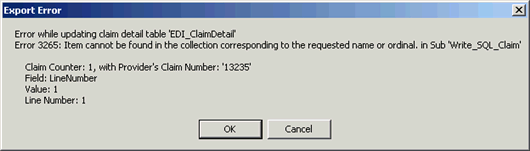
The errors with the claim detail table are similar, only that the error message indicates also at which line number it occurred.