Under the menu item 'View' you have the option 'EDI Editor' plus you have the EDI icon on the toolbar to invoke the EDI Editor.
EDI files are often hard to read, especially if they have no carriage returns and line feeds to put each segment on a line of its own.
This option is only enabled when you have Opened an EDI File
When you click this menu option, the following screen will appear
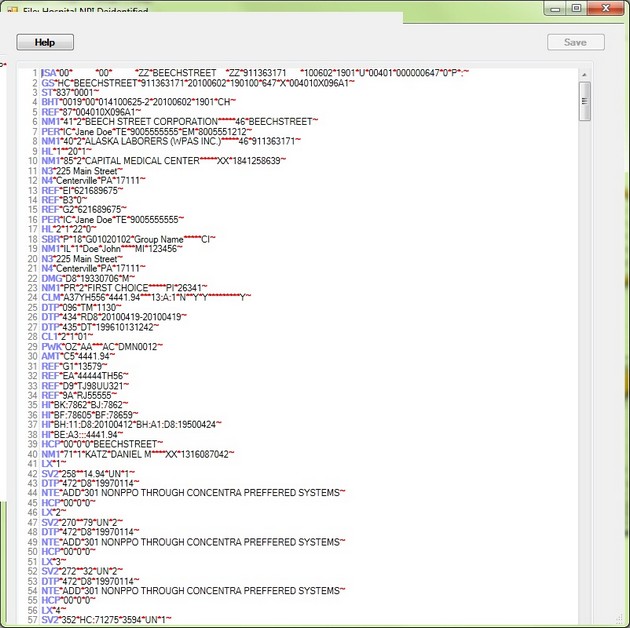
The EDI Editor
This Editor will replace all Element separators with a star '*', all sub element separators with a colon ':' and all segment separators with a tilde '~' even if the original file uses different delimiters. As long as you don't save, there will be no changes to the file.
When you right-click anywhere in the text, a floating menu will appear with typical test edit options such as cut, copy and paste,
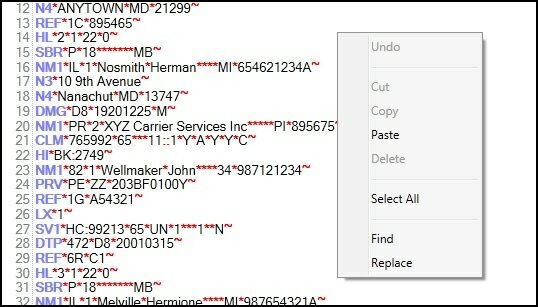
The floating menu of the EDI editor. right-click anywhere in the text to make it appear
Ctrl-F brings up the text search utility
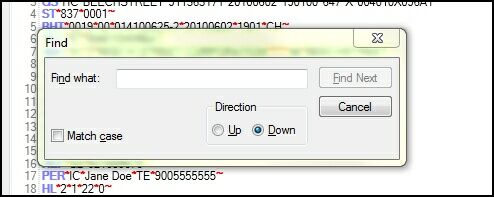
The search utility
Ctrl-H will bring up the replace utility
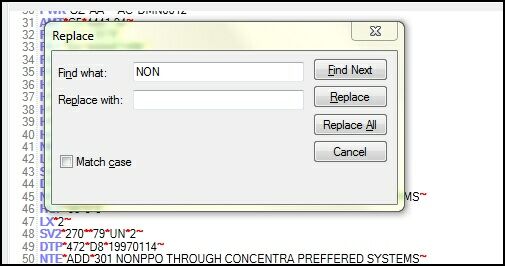
The Find and Replace utility
If you make changes to the file, the 'Save' button becomes enabled and you can save any changes. The HIPAA Claim Master will further work with those changed files, you don't have to open the file again.
Changing EDI files can be a tricky undertaking. You should be experienced in the format of the 837 and understand that an 837 claim file could be a legal document that should not be altered without the consent of the originator.