When working from the database in the workplace, you will be able to delete records from the database by selecting a record and right-clicking, then clicking "Delete Record". You can achieve the same result by selecting a record and pushing the "delete" key.
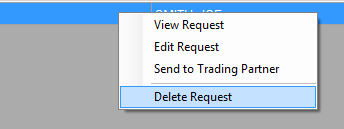
Right-click menu. "Delete Request" is highlighted.
You will be prompted before the record is deleted.
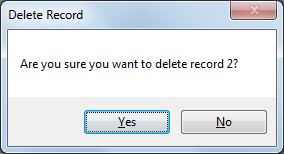
Record deletion prompt.
After clicking "Yes", the record will be deleted from the Authorizer Header table and any related records will be deleted from the Authorizer Detail table. This operation cannot be undone.