Once the request is saved and all compliance check errors and warnings have been successfully dealt with we can send the request to its destination. For this we highlight one or more requests in the grid and click on "Send to Trading Partner". A screen will come up prompting us to select the trading partner from the ones we have on file.
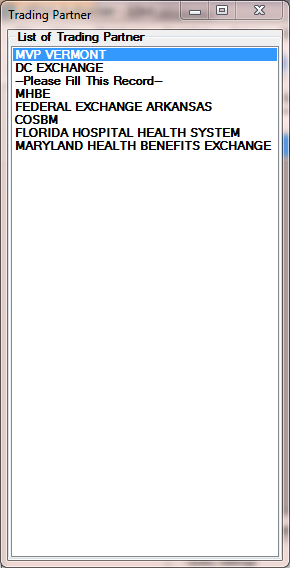
Selecting a trading partner
We click on the appropriate trading partner. Then the EDI file will be created and a success message pops up after the file has been written to the trading partner's outbox. If encryption and/or FTP transport have been set up for the trading partner, the file is also then encrypted and transported via FTP.
If the trading partner is setup for real-time transport such as MIME and SOAP, the message will than be wrapped into the appropriate envelope and send immediately. The program then waits for the response and will display in the status column that a response has been received. If we double-click now the request row in the workplace grid we will see the response displayed.