Once the request is saved to the database or loaded from an EDI file we can edit the request by selecting it and clicking the "Edit Request" button or selecting "Edit Request" option after right-clicking the request. The same screen that is used to manually enter a request will be shown filled with the selected request record's information. If edited and saved, the record will be modified to reflect the changes.
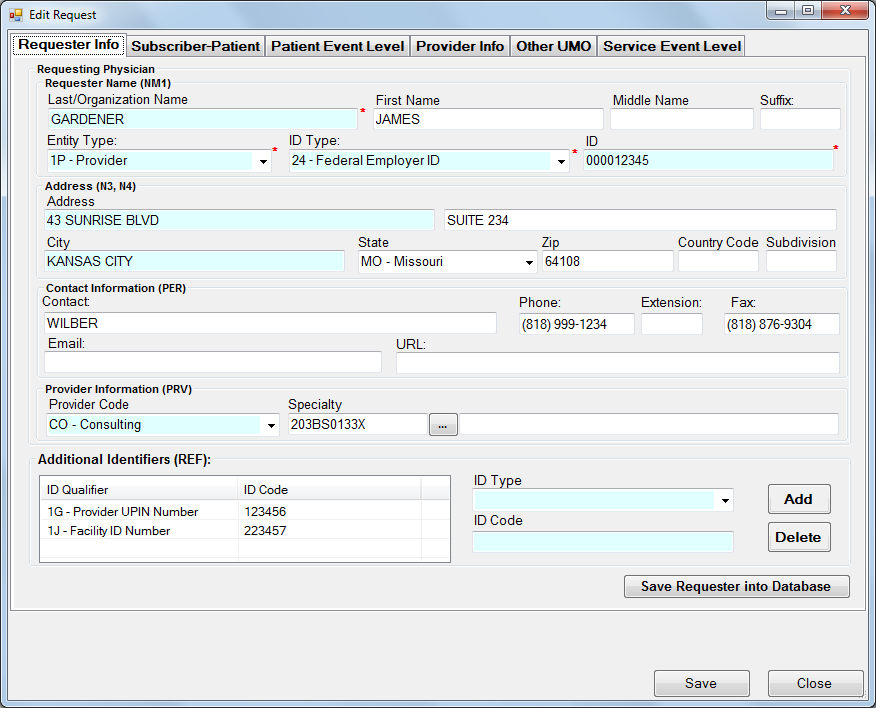
The screens to view and edit the request.